Hiyoo Top Up: Features and In-App Coin Uses
Hiyoo is a popular voice chat and live interactive streaming application where users connect across regional and global communities. The platform allows users to join live audio rooms, interact with content creators, share moments, and participate in social games.
To participate fully in the Hiyoo ecosystem, users utilize in-app coins. These coins act as the central virtual currency on the platform and unlock several key interactions:
- Virtual Gifting: Send animated gifts to streamers, hosts, and friends in voice rooms to show support and boost room rankings.
- Premium Chat Features: Access exclusive chat bubbles, entry effects, and unique profile frames to stand out in crowded voice rooms.
- VIP Badges and Levels: Increase your account wealth level and display high-tier recognition badges across global rooms.
- Interactive Mini-Games: Use coins to participate in community activities and casual in-app interactive games.
A Hiyoo top up ensures you never run out of balance during live events, party rooms, or creator ranking competitions.
How to Find Your Hiyoo Player ID in the App
To complete a coin recharge, you only need your unique numerical Player ID. You do not need to share your account credentials or login passwords.
Follow these steps to locate your Hiyoo Player ID:
- Open the Hiyoo app on your mobile device.
- Tap the Profile (or Me) icon located in the bottom-right corner of the main screen.
- Your Player ID is displayed directly below your profile avatar and username.
- Tap the copy icon next to your ID to copy the number to your clipboard, or carefully write down the digits.
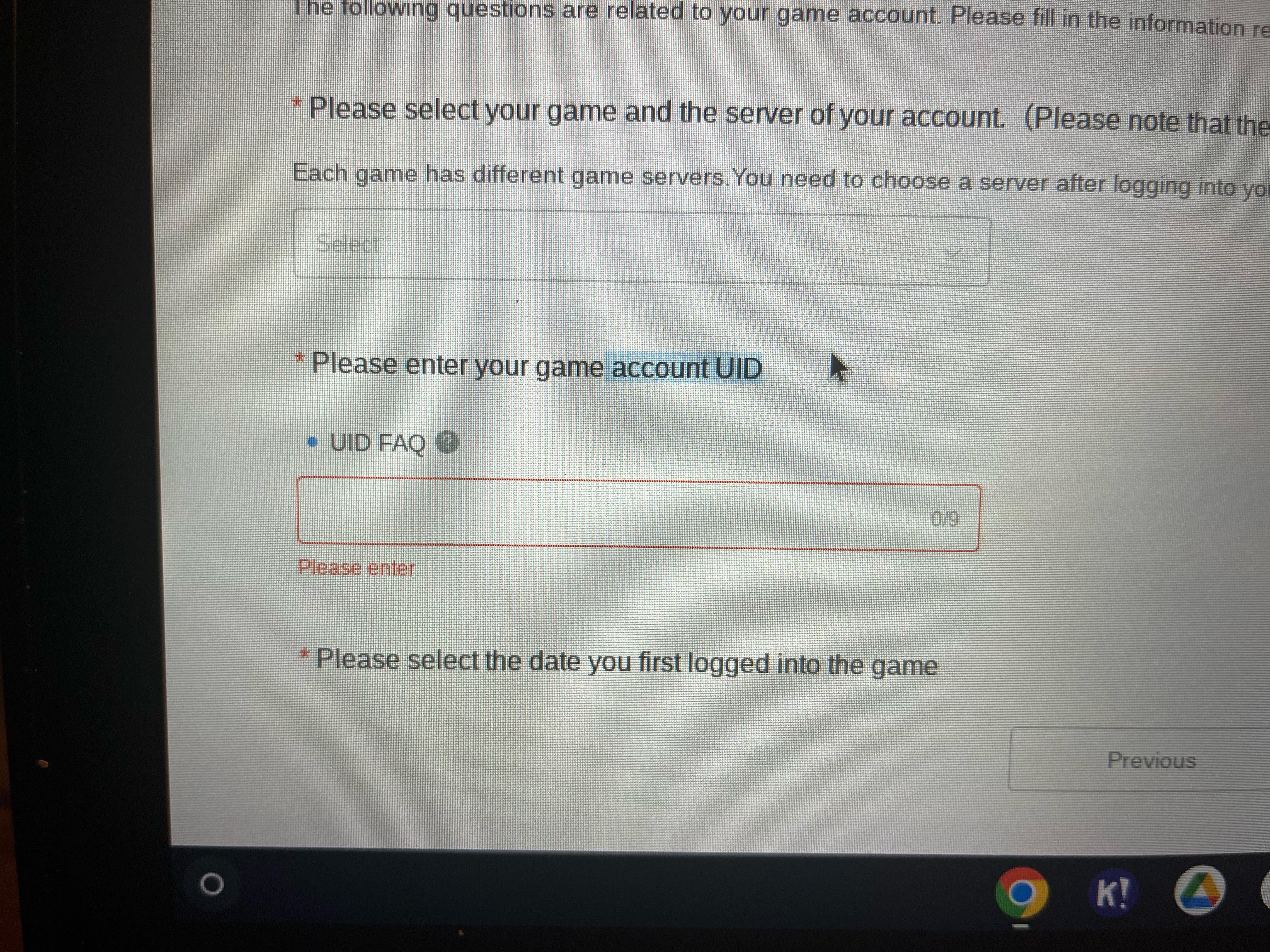
Make sure to double-check the digits before submitting your order to prevent sending coins to an incorrect account.
Step-by-Step Guide: How to Recharge Hiyoo on BitTopup
Recharging your Hiyoo account on BitTopup takes only a few quick steps. Follow this straightforward ordering process:
| Step | Action | Description |
|---|---|---|
| Step 1 | Select Coin Denomination | Choose the coin package you wish to purchase from the live catalog. |
| Step 2 | Enter Player ID | Paste your numerical Hiyoo Player ID into the required account field. |
| Step 3 | Proceed to Checkout | Click the checkout button to review your order details. |
| Step 4 | Choose Payment Method | Select your preferred international or local payment option. |
| Step 5 | Receive Balance | Complete the transaction and open Hiyoo to verify your updated coin balance. |
All available pack sizes and current prices are shown directly on the live checkout interface on BitTopup. Once payment is confirmed, coins are automatically credited to your Hiyoo account.
Secure Hiyoo ID-Only Top Up: No Account Password Required
Account safety is essential when purchasing digital currencies online. BitTopup uses a direct Player ID delivery mechanism, which provides distinct security advantages:
- Zero Password Sharing: You never need to enter your Hiyoo password, social login credentials, or private email details.
- No Account Verification Codes: You will never be asked for SMS codes, WhatsApp verifications, or two-factor authentication prompts.
- Direct Credit System: The top-up process transfers coins directly into the specified ID through standard direct-credit pathways.
- Send to Anyone: Because only the ID is needed, you can easily top up coins for friends, family members, or favorite hosts without accessing their accounts.
By avoiding unauthorized third-party account takeovers or unverified agent logins, your personal data and account ownership remain completely safe.
Supported Payment Methods for Hiyoo Recharge
BitTopup provides a wide selection of payment options so you can complete your Hiyoo recharge from anywhere in the world. Depending on your region, you can select from:
- Credit and Debit Cards: Major global card networks for fast, direct transactions.
- E-Wallets and Digital Wallets: Popular regional digital payment systems for quick mobile checkout.
- Local Bank Transfers and Regional Payment Solutions: Tailored payment channels covering the MENA region, Southeast Asia, and global markets.
Select your local currency on BitTopup to view available payment methods and complete your purchase without unnecessary currency conversion fees.
Troubleshooting Common Hiyoo Top Up and Balance Issues
If you encounter any delays or balance discrepancies after purchasing, use the following troubleshooting checklist:
- Refresh the Hiyoo App: Close the Hiyoo app completely and reopen it. Check your profile wallet screen to confirm if the balance has refreshed.
- Verify the Player ID: Review your order receipt on BitTopup to confirm that the Player ID entered matches your in-app profile ID exactly.
- Check Transaction Status: Ensure that your chosen payment provider completed the payment and that the order status on BitTopup shows as completed.
- Contact Customer Support: If your balance does not update within a few minutes after a successful payment, reach out to BitTopup customer support with your order number and Player ID for prompt assistance.
Frequently Asked Questions
How do I find my Hiyoo Player ID for recharge?
Open the Hiyoo application and tap the profile tab at the bottom-right corner. Your numerical Player ID is visible directly beneath your nickname and profile photo. Tap the icon next to it to copy the ID.
Do I need to provide my Hiyoo password to top up?
No. BitTopup only requires your numerical Hiyoo Player ID. You should never share your account password, SMS verification codes, or login credentials with anyone.
How long does it take for Hiyoo recharge coins to arrive?
Under normal conditions, coins are delivered automatically to your Hiyoo account shortly after your payment is successfully processed. You can verify your balance by refreshing your in-app profile.
What should I do if I entered the wrong Hiyoo Player ID?
Top-up orders are processed automatically based on the ID provided. Because digital recharges are dispatched instantly to the entered account, double-check your ID before completing payment. If you realize an error immediately, contact BitTopup support with your order number to see if processing has started.
Can I recharge Hiyoo coins for a friend?
Yes. Since only the numerical Player ID is required, simply enter your friend's Hiyoo Player ID in the top-up field during checkout, complete the payment, and the coins will be delivered directly to their profile.
What payment methods are accepted for Hiyoo top up on BitTopup?
BitTopup supports a broad selection of global and local payment solutions, including major credit/debit cards, regional e-wallets, and localized online payment channels. View the checkout page to select your preferred method.