



Eggy Party FPS Boost: +40-60% on Budget Phones Guide
Pump up your FPS by 40-60% even on budget phones. Crank graphics to Very Low (that's a solid +30-50% FPS bump), lock in 2GB+ RAM, keep temps under 40°C to dodge throttling after 15-20 minutes, and cap at 30 FPS. Android-specific tweaks shine here—stick to <18k Intensity in Creative Mode for steady 30-60 FPS, and track everything with CPU-Z. The Sept 21, 2023 update? Game-changer, unlocking 30-50% gains in ranked without those pesky crashes.


Lag's Dirty Tricks—and Why They Ruin Ranked Matches
Ever wonder why your screen freezes in a packed room? Lag hits hard on low-end phones: FPS tanks below 20 from thermal throttling after 15-20 minutes, GPU maxing out at 60-80% on HD settings, or outright crashes if RAM dips under 2GB. Drop to Very Low graphics? GPU chills to 20-30%, netting you +30-50% FPS over High. That Sept 21, 2023 update nailed it—high settings breed lag and heat spikes.
Quick test: Fire up the game, hit a crowded room, eye the FPS.
Below 20? Time to tweak.
Aim for 30-60 FPS in ranked. Smooth sailing.
Server Smarts and FPS Reality Checks
Eggy Party demands Android 5.0+, 2GB available RAM, 10GB free storage, OpenGL ES 3.0. With 3GB+ total RAM, you hold 30 FPS steady. 2GB rigs? Restart every 1-2 hours, but tweaks deliver 40-60% FPS boosts and kill those <20 drops.
- Dive into Settings > About for specs.
- Confirm 10GB free—keep storage <85% full.
- Stick to v1.0.169 or v1.0.168 for rock-solid competitive play.
Eggy Party Eggy Coins top up for ranked via BitTopup: instant delivery under 5 minutes, 20% below market, 100% safe encryption, 24/7 support (4.9/5 user rating). I've topped up mid-grind—flawless.
Pinpointing Your Setup's Weak Spots
FPS Testing Tools That Actually Work
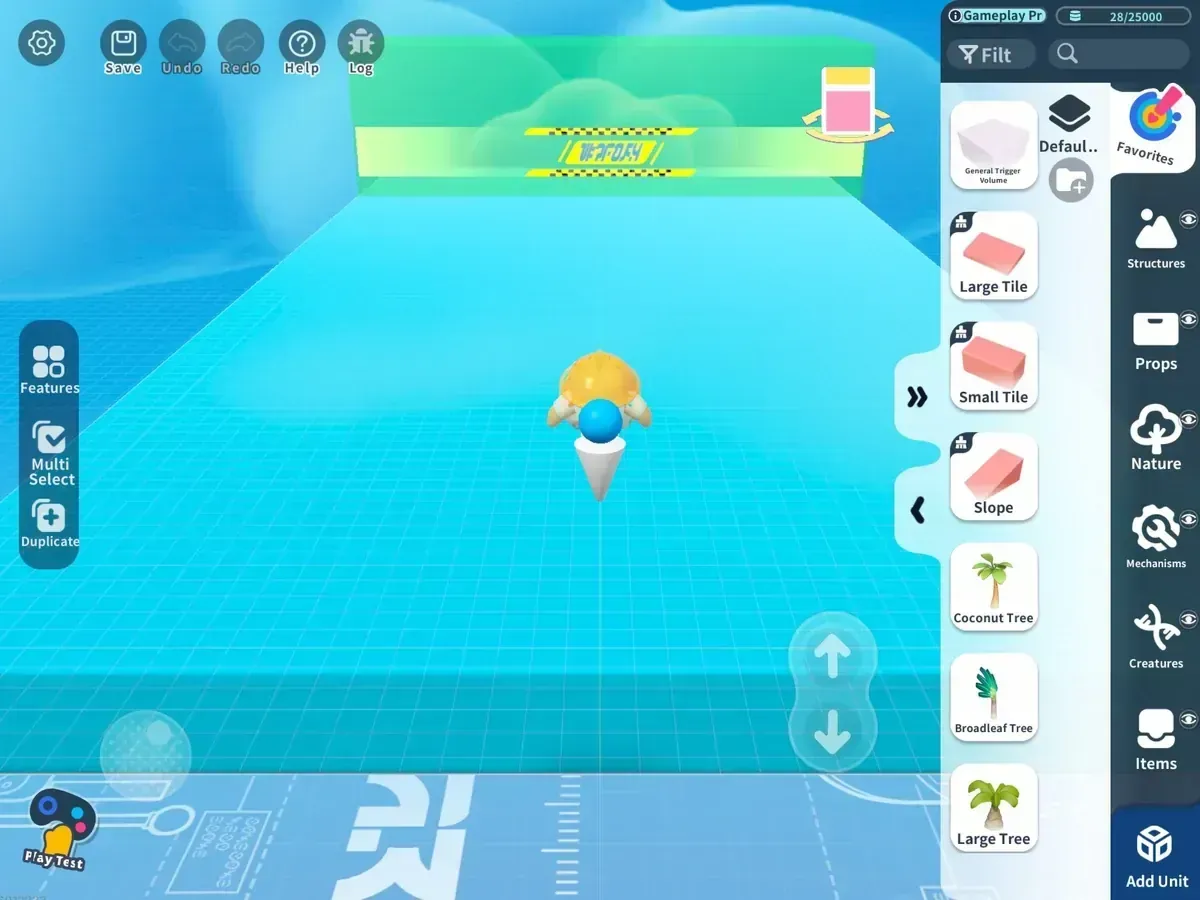
The in-game FPS overlay screams throttling. Grab CPU-Z or AIDA64 for real-time CPU/GPU/RAM/temp reads. <20 FPS? Low RAM or >40°C heat. Crashes? Blame <10GB storage or bloated cache.
- Flip on FPS counter: Settings > Graphics.
- Install CPU-Z, run a 15-minute session.
- Target: <40°C, 2GB+ RAM, 30+ FPS.
Reading the Numbers: FPS, Heat, RAM Breakdown
Budget phones throttle FPS under 20 after 15-20 minutes—GPU at 60-80% on HD versus 20-30% on Very Low. Dial brightness to 50-70%, keep the room <25°C, dodge those +10-15°C spikes. Tweaks slash 40-60% lag from motors and AI. (Pro tip from the trenches: Test in Creative Mode crowds first.)
- Crowd-test there.
40°C or <2GB RAM? Clear cache now.
- Restart after every session.
Must-Have Device Tweaks for Eggy Party
Graphics and Res Hacks for Zero-Latency Wins
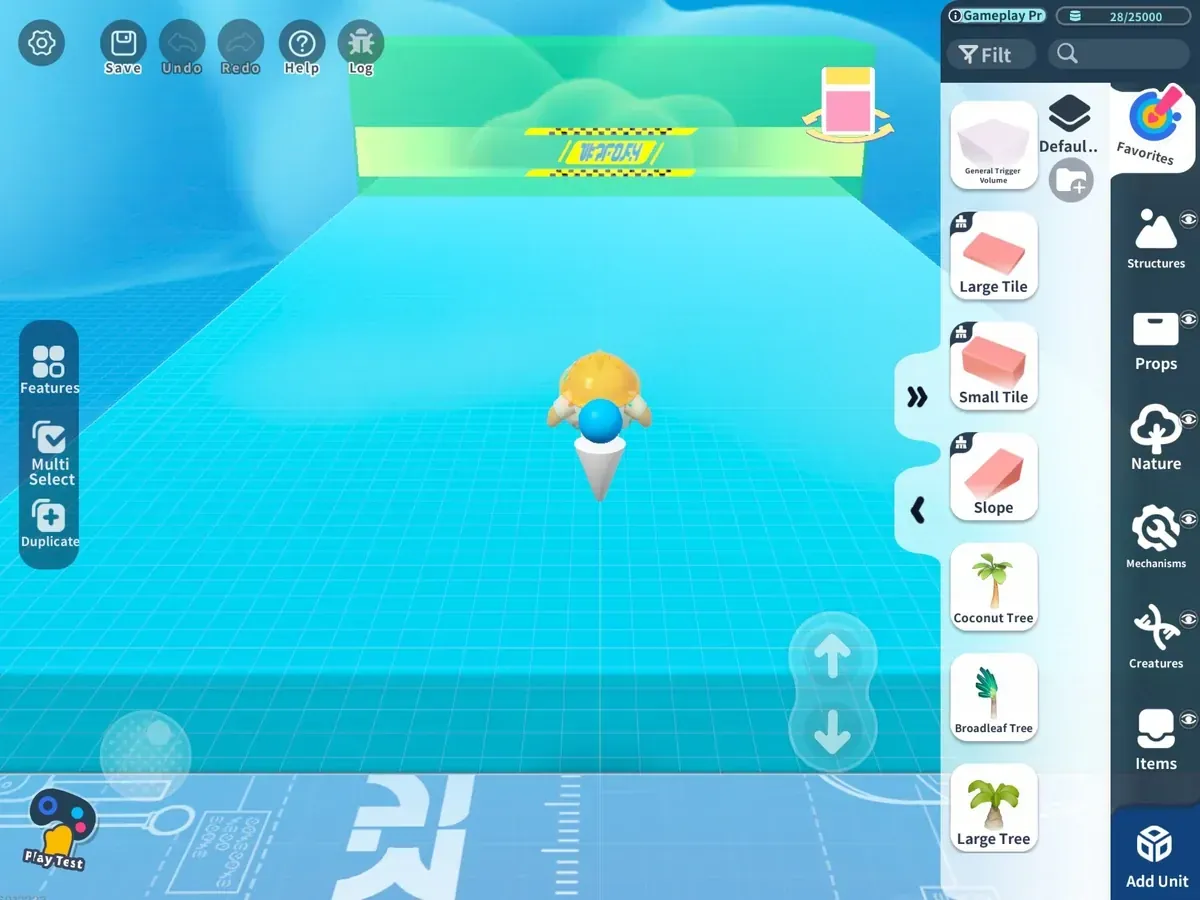
Very Low quality + Low resolution: +30-50% FPS instant. Kill particles, shadows, reflections for another 10-20%. HD chews 60-80% GPU; Very Low maxes the boost—Sept 21, 2023 update made it official.
- Settings > Graphics: Very Low quality, Low resolution.
- Toggle Lower Graphics Reminder, test FPS gains.
RAM and Storage Cleanup for Stability
Need 2GB+ available RAM—no exceptions. <2GB means crashes; 3GB+ locks in 30 FPS. Storage <85% full, minimum 10GB free; clear cache monthly.
- Shut Netflix, YouTube, socials.
- Clear Eggy Party cache: Settings > Apps.
Restart. Boom—2GB+ RAM.
Pro-Level Device Overhauls
Android Dev Options That Punch Above Weight
Force GPU rendering. Disable HW overlays. Set animations to 0.5x. Efficiency skyrockets. Quick GPU boost, zero background junk; root for Performance governor if chasing 60 FPS.
- Tap Build Number 7x in Settings > About—Developer Options unlocked.
- Flip Force GPU, Disable HW overlays, 0.5x animations.
- Performance mode on, 30 FPS cap.
Beating Heat and Throttling Like a Boss
Stay <40°C or throttle kicks in after 15-20 minutes. Ditch the case for -5-10°C drop. External fans match that; AC <25°C, 10-15 minute breaks on low-RAM phones.
- Case off, airflow maxed.
- AIDA64 monitoring mid-game.
- Breaks every 10-15 minutes, brightness 50-70%.
buy Eggy Party coins for competitive rooms on BitTopup: secure rapid credits, 25% bulk discounts, full game policy compliance, broad device support, top-rated service. Bulk buys saved my ranked climb—highly recommend.
Creative Mode Hacks for Ranked Builders
Intensity Caps and FPS Sweet Spots
Keep Intensity <18,000 for 30-60 FPS on low-end gear—over that, you're sub-20 FPS. Max 21k at 1k Craftsman Points, 25k at 10k. April 25, 2025 Master Mode lightens Omni-Generator AI by 60%.
- Check Intensity before placing.
- Basics first: icy floors, gravity flips. Layer gadgets.
- Trial run. Save motors/AI for last.
Low-Spec Survival in Creative
Android 5.0+, 2GB free RAM (3GB+ preferred), <85% storage. Very Low graphics nails 30 FPS. 2GB? Restart every 1-2 hours. Sep 21, 2023 patch adds +30-50% FPS.
- Specs check, backgrounds closed.
- 30 FPS cap, <40°C watch.
- Restart after build tests.
Pitfalls That Trip Up Pros—and How to Sidestep
Overheat and Crash Killers
High-poly or HD? Throttles in 15 minutes. Crashes from low storage/cache bloat. Pre-tweaks: <20 FPS. Post: 30-60 (+40-60%). Kill notifications, auto-updates. (My take: Sunlight's the silent killer—+10-15°C easy.)
- Monthly system cache wipe.
- No direct sun.
- Factory reset for v1.0.169 crashes.
iOS and Root Power Moves
iOS: Low Power Mode + no Background App Refresh. Root thermal tweaks for 60 FPS. Custom ROMs like LineageOS? Enhanced stability, 40-60% motor/AI lag cut.
- iOS: Settings > Battery > Low Power Mode.
- Close Control Center.
- Root: CPU governor to Performance.
Your Go-To Maintenance Checklist
Pre-Game Ritual for Peak Performance
2GB+ RAM free, caches cleared, restart. Gaming mode prioritizes CPU/GPU. +40-60% FPS, 10-15 minute hourly breaks.
- No auto-updates/cloud sync.
- Storage <85% full.
- Log FPS/temp.
Stay Sharp with Weekly Checks
FPS tests in competitive rooms weekly—tune for April 25, 2025 Master Mode. 30 FPS cap fights heat; 3GB+ RAM skips restarts.
- CPU-Z daily.
- Stable updates only.
- Hunt <20 FPS triggers in logs.
FAQ: Quick Hits on Eggy Party Lag Busting
How to boost FPS 40-60% in Eggy Party?
Very Low graphics, Low resolution, 2GB+ RAM cleared, 30 FPS cap; monitor <40°C.
What graphics settings for low-end phones?
Very Low quality, Low res, disable particles/shadows; +30-50% FPS post-Sept 21, 2023.
**Why FPS drops <20 in crowds?**
Throttling after 15-20 min >40°C or high GPU; airflow, breaks, Very Low fix.
Creative Mode lag on 2GB RAM?
<18k Intensity, Very Low graphics, 1-2 hour restarts for 30 FPS.
Best heat management for long sessions?
Remove case (-5-10°C), AC <25°C, 10-15 min breaks; AIDA64 alerts.
Stable versions for low-spec crashes?
v1.0.169/v1.0.168; 10GB+ storage, monthly cache.
Recommended News








Recommend products




Table of Contents
- Getting a Grip on Lag-Free Eggy Party Play
- Lag's Dirty Tricks—and Why They Ruin Ranked Matches
- Server Smarts and FPS Reality Checks
- Pinpointing Your Setup's Weak Spots
- FPS Testing Tools That Actually Work
- Reading the Numbers: FPS, Heat, RAM Breakdown
- Must-Have Device Tweaks for Eggy Party
- Graphics and Res Hacks for Zero-Latency Wins
- RAM and Storage Cleanup for Stability
- Pro-Level Device Overhauls
- Android Dev Options That Punch Above Weight
- Beating Heat and Throttling Like a Boss
- Creative Mode Hacks for Ranked Builders
- Intensity Caps and FPS Sweet Spots
- Low-Spec Survival in Creative
- Pitfalls That Trip Up Pros—and How to Sidestep
- Overheat and Crash Killers
- iOS and Root Power Moves
- Your Go-To Maintenance Checklist
- Pre-Game Ritual for Peak Performance
- Stay Sharp with Weekly Checks
- FAQ: Quick Hits on Eggy Party Lag Busting
Recommend products




Recommended News

Once Human Crystagin Not Received After Top Up: Fix Guide

How to Lower PS5 Ping Japan Servers for Smooth Online Play

Eggy Party Beginner Guide: Essential Skills and Traps to Avoid

How to Get Free Gems in Guild Wars 2 Without Heavy Grinding

How to Change Keybinds in Lineage W PC: Client Setup Guide

How to Fix Astra Knights of Veda Crashing on Startup PC in 2026

MLBB Tier List 2026: Best Heroes to Pick in Ranked Matches

How to Farm Rare Skin Fragments in MLBB | August 2026
































































































