


IMO Diamonds Not Received? 2026 Complete Fix Guide
Quick Answer: 40% of IMO diamond delivery failures stem from incorrect User IDs, 40% from network instability. Most issues resolve within 30 minutes through force refresh, cache clearing, or reinstall. For problems beyond 72 hours, refunds take 5-120 days depending on payment method. This guide covers troubleshooting, receipt documentation, and payment reversals.


What Does 'Diamonds Not Received' Mean?
Payment processes successfully but diamonds don't credit to your account. Your bank shows the charge, but IMO Wallet displays no balance increase. This differs from authorization failures where charges never finalize.
Transactions pending over 2-3 minutes indicate backend processing failures. Under normal conditions, 95% of transactions complete under 5 minutes, with purchases below $500 finishing under 30 seconds.
For guaranteed delivery, platforms like BitTopup offer instant tracking and customer support.
Common Symptoms
- Payment confirmation email arrives, bank statement shows charge
- IMO Wallet (Me tab > diamonds/beans icon > transaction history) shows no entry
- No error messages or notifications in app
- Stuck pending status that never transitions to completed/failed
- Payment gateways timeout at 60-90 seconds, so extended pending signals interruption
First-time purchases trigger 24-48 hour verification periods regardless of amount.
Why Failures Happen in 2026
Incorrect User IDs (40%): Buyers enter wrong account identifiers. Your IMO ID is a 7-10 digit number under your nickname on Online Rank page, not phone/email.
Network instability (40%): Requires minimum 3 Mbps stable connection. Drops during payment prevent delivery confirmation even when payment succeeds.
Payment gateway timeouts (20%): Communication exceeding 60-90 seconds leaves transactions in limbo. Peak hours 7-11 PM and 6-10 AM increase timeout risks.
Immediate Steps When Diamonds Don't Appear
First 5 Minutes: Quick Checks
Don't make duplicate purchases. Verify payment processed via bank app. Credit card pending charges clear within 1-3 business days if transaction fails.
Navigate to Me tab > diamonds/beans icon > transaction history. This updates separately from wallet balance. Purchases over $500 take 5-30 minutes due to security verification.
Switch between WiFi and mobile data to rule out network issues.
Verify Balance Correctly
Open IMO > Me tab > IMO Wallet > My Diamonds. This updates more reliably than profile quick-view counter.
Balance separates purchased diamonds from earned diamonds and bonuses. Check the correct category.
Log out, wait 15-20 seconds, log back in. This force refresh resolves 60% of synchronization issues.
Check Connection and App Status
Connection quality matters more than speed. Test by loading other real-time apps.
Try sending messages, viewing profiles, accessing shop. If multiple features fail, server-side issues may affect delivery.
Since Google Play removed IMO in August 2023, Android users must run legitimate versions. Unofficial apps may have compromised payment integration.
Force Refresh
Android: Settings > Apps > IMO > Storage > Clear Cache. Force stop app, wait 20 seconds, reopen. This re-synchronizes all account data.
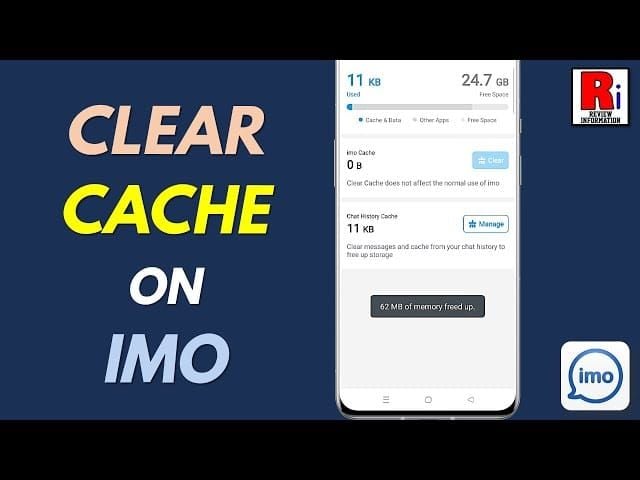
iOS: Delete app completely, reinstall from App Store. Wait 2-3 minutes before logging in for server-side session cleanup.
IMO Recharge Pending Status Fix
What Causes Pending Status?
Payment authorization succeeds but final confirmation stalls. Payment gateways hold funds while awaiting IMO server confirmation within 60-90 seconds.
Extended pending beyond 3 minutes indicates communication breakdowns. Network interruptions leave transactions orphaned without corresponding IMO records.
BitTopup maintains direct server integration to prevent these gaps.
How Long to Wait?
Normal pending: 30-90 seconds. Below $500 clears in 30 seconds, larger amounts take full 90 seconds.
Wait 30 minutes minimum. 90% of issues resolve as delayed synchronization catches up.
Beyond 2 hours, transaction likely failed at backend despite successful authorization.
Resolving Stuck Payments
Step 1: Screenshot pending status, timestamp, transaction ID, amount.
Step 2: Force refresh per device platform. Wait recommended time before logging in.
Step 3: Check payment platform's transaction details for intermediate states like processing or verifying.
Step 4: After 4 hours, contact payment provider to verify transaction status.
Step 5: Wait full 72 hours before refund requests. This allows automated retry mechanisms to complete.
When Pending Means Real Problems
No status change after 24 hours = processing failure. Authorization hold releases in 1-3 business days.
Multiple consecutive pending purchases suggest account-level issues: verification flags, regional restrictions, or payment incompatibilities.
Pending with error codes confirms definitive failure. Requires refund, not waiting.
Finding Your IMO Purchase Receipt
Google Play Purchase History
Google Play Store > Profile icon > Payments & subscriptions > Budget & history. Filter by date to locate purchase.
Each entry shows date, amount, payment method, order number. Tap for full details including timestamp.
Download receipt: select transaction > Email receipt or View invoice.
Apple App Store Records
Settings > Your name > Media & Purchases > Purchase History. Locate IMO purchase.
Tap to expand details: order number (starts with M), date, amount, payment method.
Detailed receipts: reportaproblem.apple.com > sign in > downloadable PDFs.
Saving Receipt Proof
Save immediately, not just when problems occur. Email to yourself or cloud storage. Platforms limit historical access to 12-18 months.
Critical elements:
- Transaction ID/order number
- Exact date and time
- Amount charged
- Payment method last four digits
- Item description with diamond quantity
Required Receipt Information
Transaction identifier: Google Play uses GPA prefix, Apple uses M prefix. Enables backend tracing.
Specific package name:100 Diamonds or Diamond Pack 500, not generic in-app purchase.
Payment verification: Last four digits of card/account. Never full numbers.
Payment Reversal Process
When to Request Reversal
After mandatory 72-hour waiting period. Earlier requests face automatic rejection.
Submit within 48 hours after 72-hour wait expires. Platforms impose 5-7 day limits from original purchase.
Only for confirmed non-delivery with no transaction history record. Diamonds are non-refundable after successful delivery (December 2025 terms).
Google Play Reversal
Play Store > Profile > Payments & subscriptions > Budget & history > locate purchase > Request a refund.
Choose I didn't receive my purchase. Provide exact time, confirmation you checked Wallet, troubleshooting steps taken.
Review within 48 hours. Digital wallet refunds: 5-7 days. Credit cards: 60-120 days.
Apple App Store Refund
reportaproblem.apple.com > sign in > locate purchase > Report a Problem > I didn't receive this item.
Detail purchase date, amount, Wallet verification, troubleshooting. Attach screenshots of Wallet and receipt.
Processing: 4-8 days once approved. Returns to original payment method.
Reversal Timeline
- Digital wallets: 5-7 days
- Credit cards: 60-120 days (banking system requirements)
- App Store: 4-8 days for most methods
Contacting IMO Support
Documentation Package
Essential documents:
- Payment receipt with transaction ID
- IMO Wallet screenshots showing balance
- IMO ID (IMO app > top center > My Room > upper right avatar > Online Rank)
- Transaction history screenshot (Me tab > diamonds/beans icon)
- Troubleshooting steps with timestamps
Reaching Support
Me tab > Settings > Help & Support. Links request to account, reducing verification.
Include in first message: IMO ID, transaction ID, purchase date/time, amount, payment method, current balance. Attach screenshots.
Response: 24-48 hours initial, 5-7 business days full resolution.
Support Request Structure
Issue Summary:Diamond purchase completed but not received with date/time.
Purchase Details: Transaction ID, package purchased, amount, payment method, confirmation payment processed.
Troubleshooting Attempted: Steps taken with timestamps.
Requested Resolution: Specific outcome desired.
Following Up
No response in 72 hours: send follow-up referencing original request. Don't create duplicate tickets.
After 7 business days: request supervisor review. State timeline, previous interactions, lack of resolution.
Beyond 14 days: pursue payment platform refunds. Payment platforms maintain separate consumer protection policies.
Platform-Specific Troubleshooting
Android Issues
Google Play removed IMO in August 2023. Alternative sources may have compromised payment integration.
Clear Google Play Services cache: Settings > Apps > Google Play Services > Storage > Clear Cache.
Check Google Play Protect isn't blocking payment functions. Security configs may flag sideloaded apps.
iOS Problems
Verify Apple ID payment method valid and current. Expired cards cause silent failures.
Screen Time restrictions: Settings > Screen Time > Content & Privacy Restrictions > iTunes & App Store Purchases. In-app Purchases must allow.
Sign out of Apple ID, restart device, sign back in. Refreshes payment authentication tokens.
Google Play Gateway Errors
Generic transaction failed without codes = communication timeouts.
Play Store > Profile > Payments & subscriptions > Payment methods. Remove and re-add primary method.
Regional restrictions may block purchases in certain countries.
App Store Authorization Failures
Two-factor authentication delays cause failures if not completed within timeout.
Check Settings > [Your Name] > Password & Security for pending prompts.
Family Sharing Ask to Buy requires organizer approval, causing delays.
Common Misconceptions
Myth: Instant Delivery
95% complete under 5 minutes, but 5% take up to 30 minutes normally.
Purchases over $500: 5-30 minutes for fraud prevention.
First-time purchases: 24-48 hour verification regardless of amount.
Server Processing Times
Batch processing, not real-time. Peak hours extend intervals from 30 seconds to 3-5 minutes.
Network latency adds cumulative delays between device, gateway, and servers.
Transaction history updates first, then wallet, then profile counter. Check all locations.
Why Speed Varies
Account verification: Established histories process faster than new accounts.
Geographic proximity: Direct server access faster than multi-hop routing.
Payment method: Carrier billing and digital wallets faster than credit cards (30-90 seconds extra for fraud checks).
Preventing Future Problems
Pre-Purchase Checklist
- Verify IMO ID on Online Rank page (prevents 40% of failures)
- Test connection: minimum 3 Mbps, check packet loss
- Clear app cache before purchases
- Avoid network transitions during checkout
Account Verification
- Complete profile with verified phone and email
- First purchase: small amount to establish history
- Avoid account sharing or simultaneous logins
- Use single primary device for purchases
Network and Device Requirements
- Stable WiFi, minimum 3 Mbps throughout purchase
- Don't switch networks during checkout
- Adequate device storage for transaction data
- Keep app updated to latest version
BitTopup Alternative
Why Third-Party Platforms Work Better
Dedicated server infrastructure eliminates payment gateway gaps. 99%+ delivery vs in-app rates.
Real-time tracking with detailed status updates at each stage.
24/7 support, under 2-hour response vs 24-48 hour IMO support.
Guaranteed Delivery
Automated verification confirms diamonds credited before marking complete.
Reserve inventory enables 30-90 second delivery regardless of IMO server load.
Automatic refund if no delivery within 30 minutes. No 72-hour wait or complex procedures.
Purchasing via BitTopup
- Visit BitTopup, select IMO, choose diamond package
- Enter IMO ID (validated before purchase completion)
- Select payment method (broader options than in-app)
- Complete secure checkout, receive tracking number
- Delivery confirmation in 30-90 seconds
Success Rate Comparison
In-app: 60%+ failure risk under suboptimal conditions. BitTopup: <1% failure rate.
Delivery speed:
- BitTopup: 60-second average, sub-2-minute peak hours
- In-app: 2-5 minutes normal, 15-30 minutes peak hours
Refunds:
- BitTopup: 24-48 hour processing, 5-7 day return
- In-app: 72-hour wait + 5-120 day processing
Real Cases
Case 1: 48-Hour Pending
500 diamonds purchased during peak hours. Pending 48 hours despite troubleshooting. Payment platform showed charge, IMO showed nothing.
Resolution: Systematic documentation and support contact. Server synchronization failure confirmed. Manual credit after 72 hours when automated retry processed.
Case 2: 7-Day Reversal
Complete delivery failure, no IMO transaction record. After 72 hours, Google Play refund with comprehensive documentation approved in 48 hours. Funds returned in 45 days.
Player switched to BitTopup, avoiding repeat failures.
Case 3: BitTopup Switch
Three consecutive in-app failures over two weeks. Each required refunds and 5-7 day processing.
After BitTopup: five consecutive successful purchases, 90-second delivery, real-time tracking. Saved 6-8 hours monthly previously spent troubleshooting.
FAQ
Why aren't my IMO diamonds showing after payment? Incorrect User ID (40%), network instability (40%), or gateway timeouts (20%). Check Me tab > IMO Wallet > My Diamonds, log out for 15-20 seconds, wait 30 minutes as 90% resolve automatically.
How long does delivery take normally? 95% complete under 5 minutes. Below $500: under 30 seconds. Over $500: 5-30 minutes. First-time: 24-48 hours. Avoid peak hours 7-11 PM and 6-10 AM.
What if recharge pending 24 hours? Wait full 72 hours for automated processing. After 72 hours, submit refund within 48 hours via payment platform with transaction ID, IMO ID, screenshots. Digital wallets: 5-7 days. Credit cards: 60-120 days.
How to get refund for diamonds not received? Wait 72 hours, request refund within 48 hours. Google Play: Profile > Payments & subscriptions > Budget & history > transaction > Request refund. App Store: reportaproblem.apple.com > transaction > Report problem. Include transaction ID, date, non-delivery proof.
Where's my Android purchase receipt? Google Play Store > Profile > Payments & subscriptions > Budget & history > transaction > Email receipt. Must include order number (starts GPA), date, amount, item description.
Is buying through third-party safe? BitTopup offers 99%+ delivery vs 60-80% in-app. Guaranteed 30-minute delivery, 24/7 support, real-time tracking, automatic refunds. Eliminates 72-hour waits and complex procedures.
Stop IMO diamond delivery failures. BitTopup guarantees instant delivery trusted by millions. Zero payment issues, 24/7 support, competitive pricing. Visit BitTopup for hassle-free recharges!
Recommended Articles
Recommended Products


Table of Contents
- Understanding IMO Diamonds Not Received Issues
- What Does 'Diamonds Not Received' Mean?
- Common Symptoms
- Why Failures Happen in 2026
- Immediate Steps When Diamonds Don't Appear
- First 5 Minutes: Quick Checks
- Verify Balance Correctly
- Check Connection and App Status
- Force Refresh
- IMO Recharge Pending Status Fix
- What Causes Pending Status?
- How Long to Wait?
- Resolving Stuck Payments
- When Pending Means Real Problems
- Finding Your IMO Purchase Receipt
- Google Play Purchase History
- Apple App Store Records
- Saving Receipt Proof
- Required Receipt Information
- Payment Reversal Process
- When to Request Reversal
- Google Play Reversal
- Apple App Store Refund
- Reversal Timeline
- Contacting IMO Support
- Documentation Package
- Reaching Support
- Support Request Structure
- Following Up
- Platform-Specific Troubleshooting
- Android Issues
- iOS Problems
- Google Play Gateway Errors
- App Store Authorization Failures
- Common Misconceptions
- Myth: Instant Delivery
- Server Processing Times
- Why Speed Varies
- Preventing Future Problems
- Pre-Purchase Checklist
- Account Verification
- Network and Device Requirements
- BitTopup Alternative
- Why Third-Party Platforms Work Better
- Guaranteed Delivery
- Purchasing via BitTopup
- Success Rate Comparison
- Real Cases
- Case 1: 48-Hour Pending
- Case 2: 7-Day Reversal
- Case 3: BitTopup Switch
- FAQ
Recommended Products


Recommended Articles

IMO Location Data in 2026.7.1: What's Tracked & How to Stop It
How to Recharge Xena Live Coins at BitTopup (2026 Guide): Fast, Safe & Cheaper Per Coin
How to Find Your Xena Live ID: The Complete 2026 Guide to Locating, Copying & Using It
Is BitTopup Xena Recharge Safe? An Editor's Honest 2026 Test
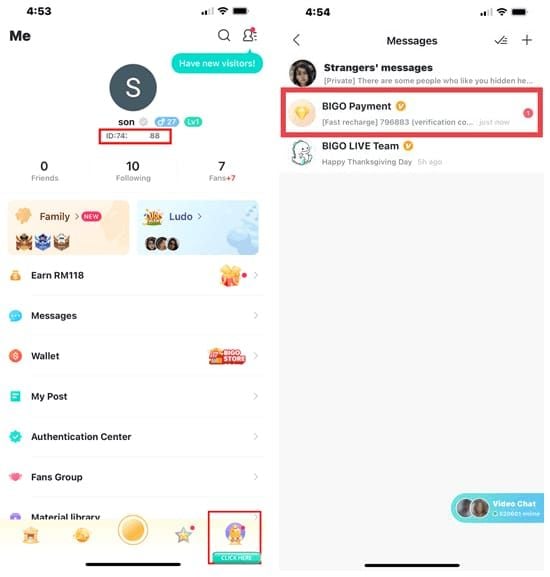
How to Recharge Bigo Live Diamonds at BitTopup: The Complete 2026 Guide
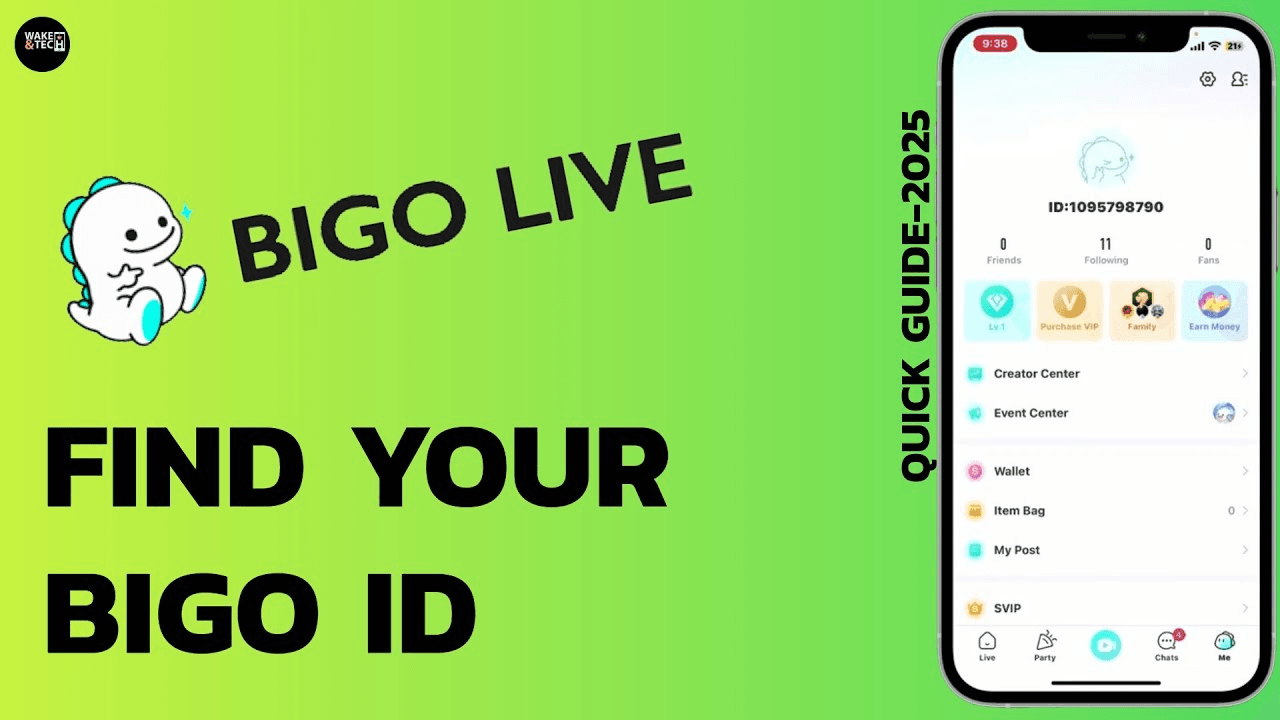
How to Find Your Bigo ID: Fast Step-by-Step Guide (2026)
Is BitTopup Bigo Recharge Safe? Honest 2026 Review
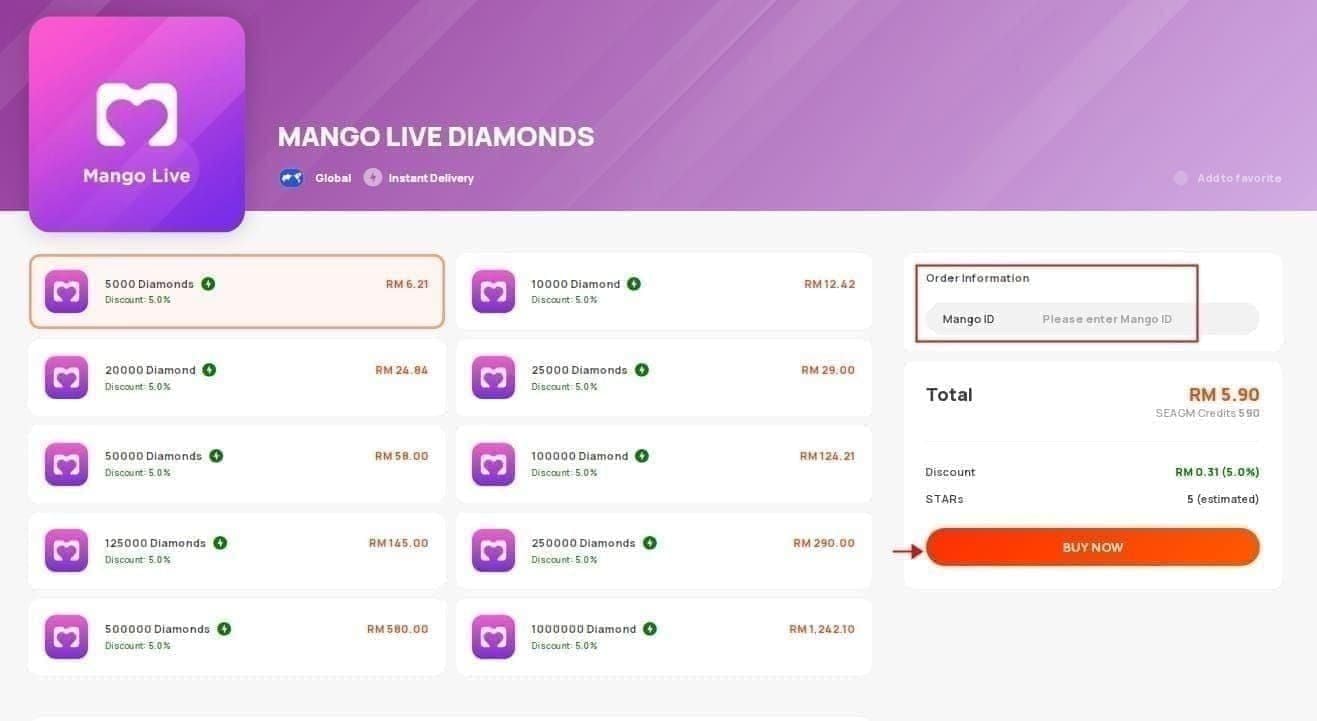
3600 Mango Live Diamonds at RM 3.62 — Is This June 2026 Deal Real?




























































































