Common Error Types
Card Decline Errors:
- Error 105101: Invalid card number
- Error 105102: Incorrect cardholder name
- Error 101101: Bank refusal (Do not honor)
- Error 101105: Card expired
- Error 101399: 3D Secure unavailable
Pending Orders: 85% complete in 10 seconds, 12% in 10-40 seconds, 3% up to 30 minutes. Orders exceeding 30 minutes need intervention.
Missing Diamonds: Payment confirmed but balance unchanged—requires manual account verification.
Payment Processing Timeline
- Credit cards: 5-15 seconds, 94-97% success rate
- Debit cards: 10-30 seconds, 92-95% success rate
- Digital wallets: 15-45 seconds, 90-93% success rate
- Carrier billing: 30-120 seconds, 85-88% success rate
Accounts under 3 days old face automatic 24-48 hour holds regardless of payment method.
Network requirements: minimum 2 Mbps download, ping below 100ms. VPN usage increases failure rates.
Why Failures Increased in 2026
- Peak hours (8-11 PM): 15-20% higher failure rates
- Version 2.9.0 (Dec 19, 2025): Stricter verification protocols
- Enhanced fraud detection triggers Error 008500 blocks more frequently
- Expanded regional payment restrictions
- Currency conversion now requires exact match between card currency and regional pricing
Instant Solutions for Card Declines
Step 1: Verify Card Details
Check card number against physical card or banking app. Cardholder name must match bank records exactly, including middle initials. Confirm expiration date to prevent Error 101105.
CVV: 3 digits for Visa/Mastercard, 4 for American Express. Billing address must match issuer records precisely—apartment numbers, street abbreviations, ZIP code.
Step 2: Check Balance and Limits
Verify available balance exceeds purchase amount plus conversion fees and international charges. Daily transaction limits on debit cards often cause declines for large packages.
International transaction settings require explicit activation. Banks default to blocking cross-border purchases.
Step 3: Contact Your Bank
Call customer service and request pre-authorization for Mango Live transactions. Provide specific amounts and merchant details to whitelist before retry.
Inform bank that Mango Live processes through international gateways appearing as foreign merchants. Request removal of geographic restrictions blocking entertainment platforms.
Step 4: Clear Cache and Update App
Android: Settings > Apps > Mango Live > Storage > Clear Cache
iOS: Check App Store for updates. Version 2.9.0 (Dec 19, 2025) contains critical payment fixes. Enable in-app purchases: Settings > Screen Time > Content & Privacy Restrictions > iTunes & App Store Purchases > Allow.
Alternative Payment Methods
Switch to digital wallets when cards fail—bypass direct bank authorization chains. Debit cards offer 92-95% success rates when credit cards encounter restrictions. Carrier billing charges to mobile bills, eliminating card verification.
Resolving Pending Orders
Normal vs Abnormal Delays
97% of delayed transactions resolve within 30 minutes without intervention. Exceeding 30 minutes indicates system failure requiring support.
Peak hours (8-11 PM): legitimately require 20-30 minutes. New accounts under 3 days: automatic 24-48 hour holds.
Check Order Status
Profile > Wallet > Transaction History. Locate Order ID (M + 10 digits). Status shows: Pending, Processing, Completed, or Failed.
iOS: Settings > [Your Name] > Media & Purchases > Purchase History
Android: Google Play > Profile > Payments & Subscriptions > Budget & History
Contact Support
Contact when pending exceeds 30 minutes with confirmed payment deduction. Gather Order ID, payment screenshot, timestamp.
Profile > Settings > Help & Support > Contact Us
Subject: Payment Completed - Diamonds Not Delivered - Transaction ID [XXXXX]
Attach 3-5 screenshots: payment confirmation, pending status, current balance.
Response: 24-48 hours. Investigation: 2-3 business days. Refunds: 7-14 business days.
Force-Cancel Safely
Wait 30 minutes before canceling to avoid duplicate charges.
iOS: Swipe up, hold, swipe Mango Live off screen. Wait 10 seconds.
Android: Settings > Apps > Mango Live > Force Stop. Wait 10 seconds.
Refresh wallet by pulling down screen to trigger synchronization.
Missing Diamonds Recovery
Immediate Actions
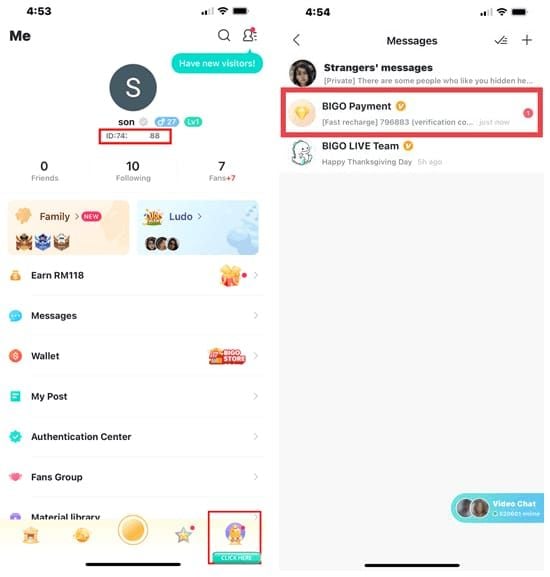
Screenshot payment confirmation showing timestamp, amount, merchant name, confirmation number. Record User ID (U0100XXXXXX) and Order ID (M + 10 digits). Document current diamond balance.
Check Transaction History
Profile > Wallet > Transaction History. Verify if purchase shows Completed despite missing diamonds. Cross-reference with payment provider's confirmation.
Account Synchronization
Logout: Profile > Settings > Log Out. Wait 30 seconds before re-login.
Refresh wallet: pull down screen in Wallet section.
For persistent failures: uninstall and reinstall app to clear corrupted local database.
File Missing Diamonds Claim
Compile evidence: payment confirmation, Order ID, User ID, timestamp, balance screenshots.
Subject: Payment Completed - Diamonds Not Delivered - Transaction ID [XXXXX]
For faster resolution: mango live diamonds not received fix provides alternative channels with immediate support.
Response: 24-48 hours. Investigation: 2-3 business days. Manual crediting: 1-2 business days after confirmation.
Common Failure Causes
Bank-Side Rejections
Fraud algorithms flag entertainment platforms, international transactions, first-time merchants. Error 101101 Do not honor activates without detailed explanation.
Large purchases exceeding typical amounts trigger automatic holds. International blocks prevent cross-border payments unless explicitly enabled.
Regional Restrictions
Geographic regions face gateway restrictions due to regulatory compliance. Currency conversion requires exact matches—automatic failures generate silent rejections.
VPN usage triggers geographic verification failures. Payment gateways detect IP/billing address mismatches.
Currency Conversion Issues
Dynamic conversion may present unexpected currencies. Exchange rate fluctuations between initiation and processing cause insufficient fund errors.
Multi-currency cards require explicit currency selection before purchase.
Account Verification
New accounts under 3 days: mandatory 24-48 hour holds. Incomplete profile (missing phone, email verification) prevents processing.
Error 101399: enable 3D Secure through bank's online portal.
Network Issues
Minimum 2 Mbps required. Slower connections cause timeouts. Ping above 100ms prevents synchronization.
Network switching (WiFi to cellular) during checkout creates orphaned authorizations—charges without delivery.
Platform-Specific Troubleshooting
iOS Issues
Enable purchases: Settings > Screen Time > Content & Privacy Restrictions > iTunes & App Store Purchases > Allow
Update payment: Settings > [Your Name] > Payment & Shipping
Minimum iOS 12.0, optimal iOS 15.3.1+
Android Fixes
Update payment: Google Play > Profile > Payments & Subscriptions > Payment Methods
Clear cache: Settings > Apps > Mango Live > Storage > Clear Cache
Disable Play Protect temporarily: Google Play > Profile > Play Protect > Settings
Web Browser Problems
Enable third-party cookies for Mango Live domain. Whitelist domain in pop-up blocker for 3D Secure authentication. Clear browser cache and cookies before retry.
Version Compatibility
Version 2.9.0 (Dec 19, 2025) contains critical updates. Manually check stores for updates. Install only official releases—beta versions lack proper payment integration.
Payment Verification and Security
Why Additional Verification Required
First-time payment methods: 24-48 hour verification. Large packages trigger manual review. Geographic mismatches activate fraud protocols.
Required Documents
- Identity: Government-issued photo ID matching payment method name
- Payment method: Card photo (middle digits obscured), billing statement
- Address: Utility bill, bank statement, government correspondence (within 90 days)
Verification Timeline
Submission review: 24-48 hours. Processing: 2-3 business days. Approved verifications enable immediate future processing.
Avoid Security Flags
Maintain consistent access patterns—avoid frequent IP changes, device switching, VPN during login/purchase. Use payment methods registered to verified account name. Avoid rapid retry attempts after failures.
BitTopup: Reliable Alternative
Higher Success Rates
BitTopup maintains multiple payment processors, automatically routing through optimal gateways. Pre-verified merchant accounts reduce fraud false positives. Real-time support vs 24-48 hour tickets.
How to Use BitTopup
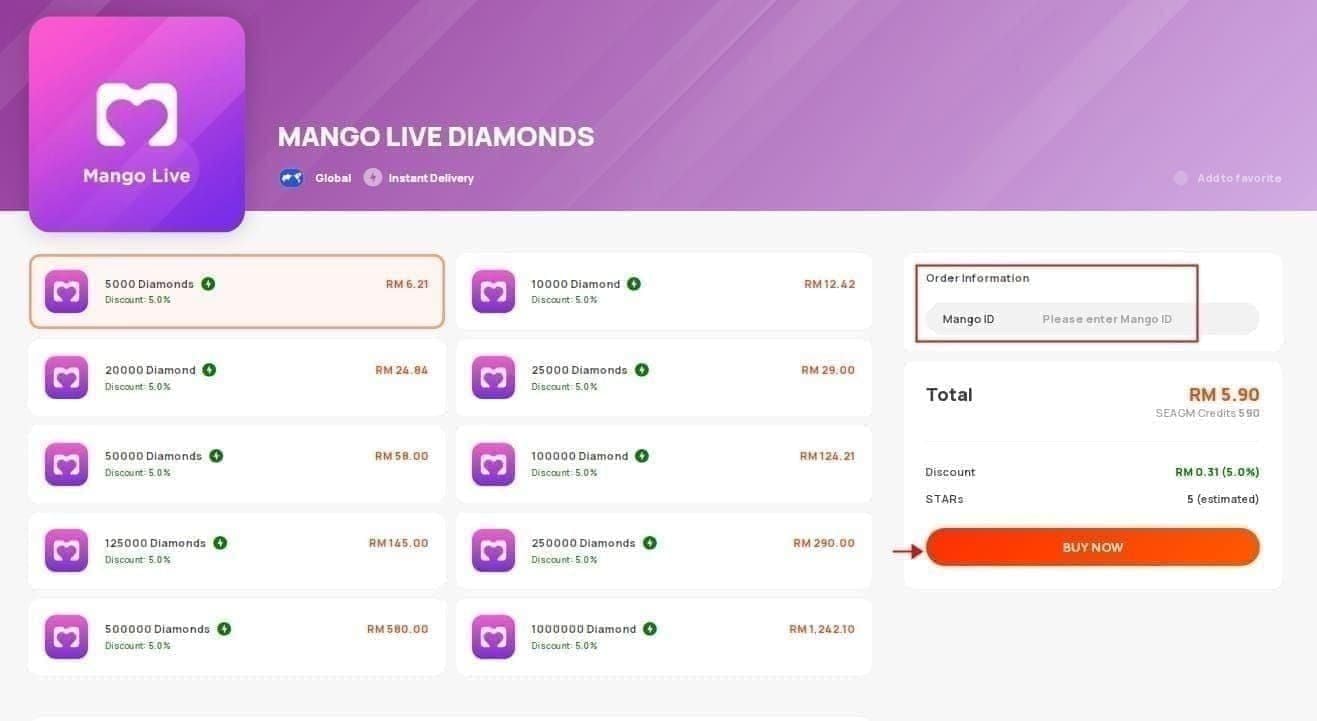
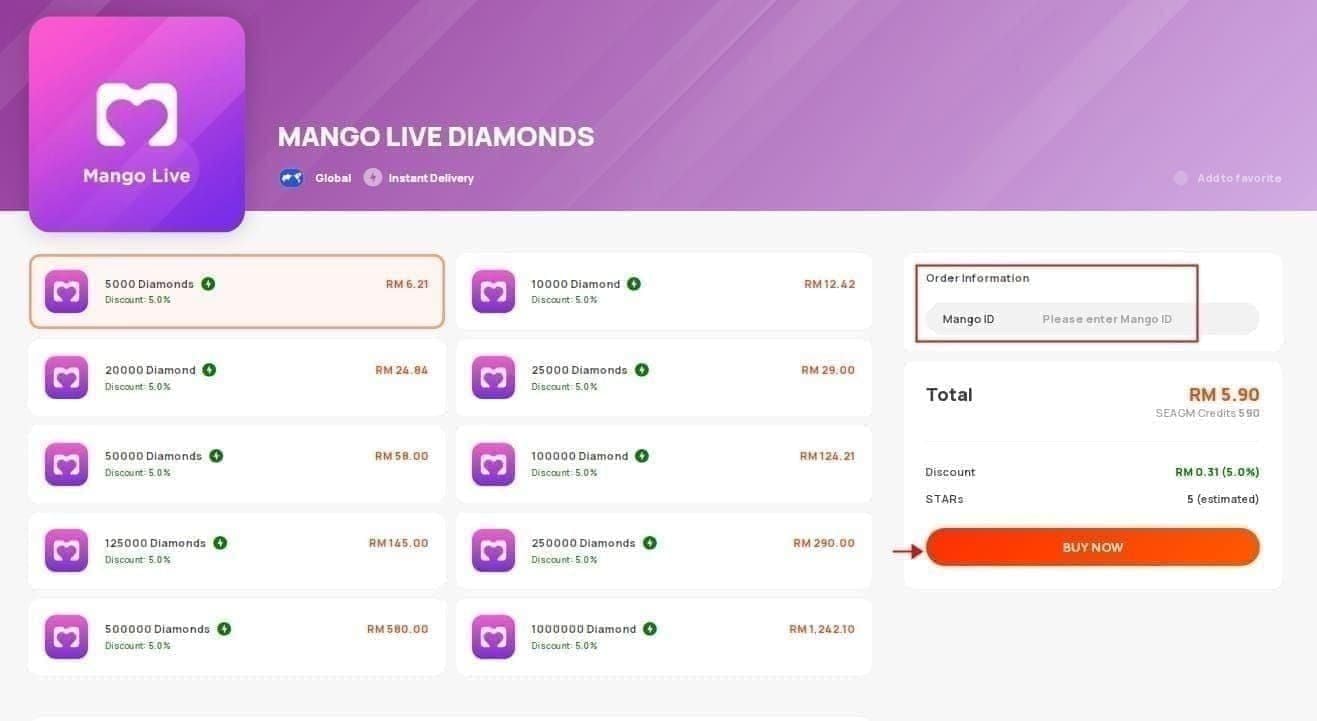
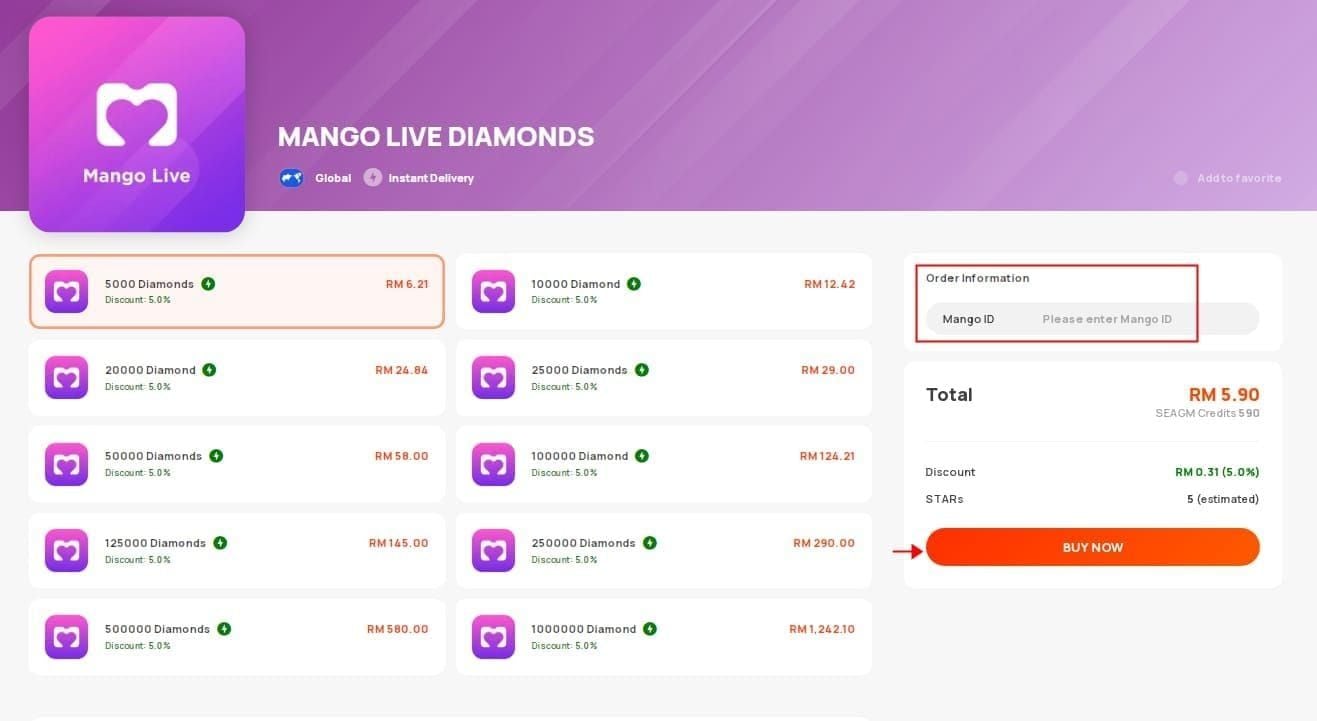
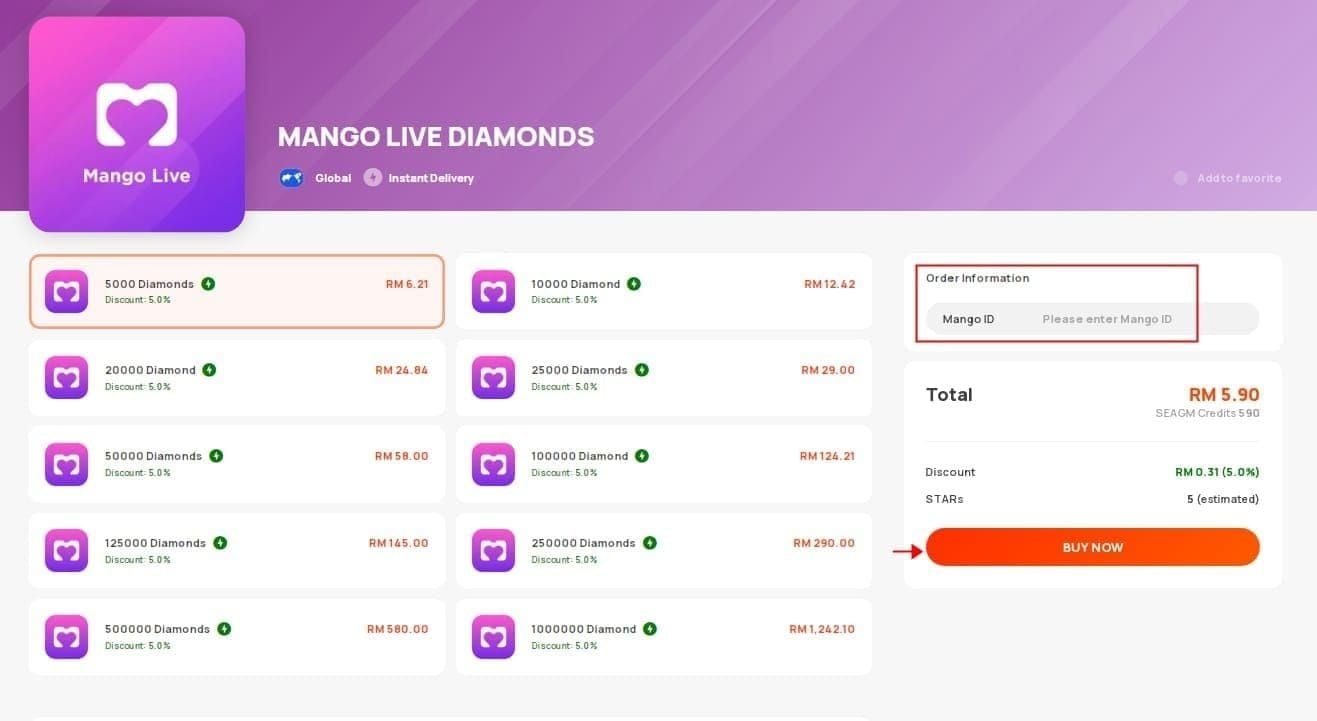
- Visit BitTopup, locate Mango Live Diamonds
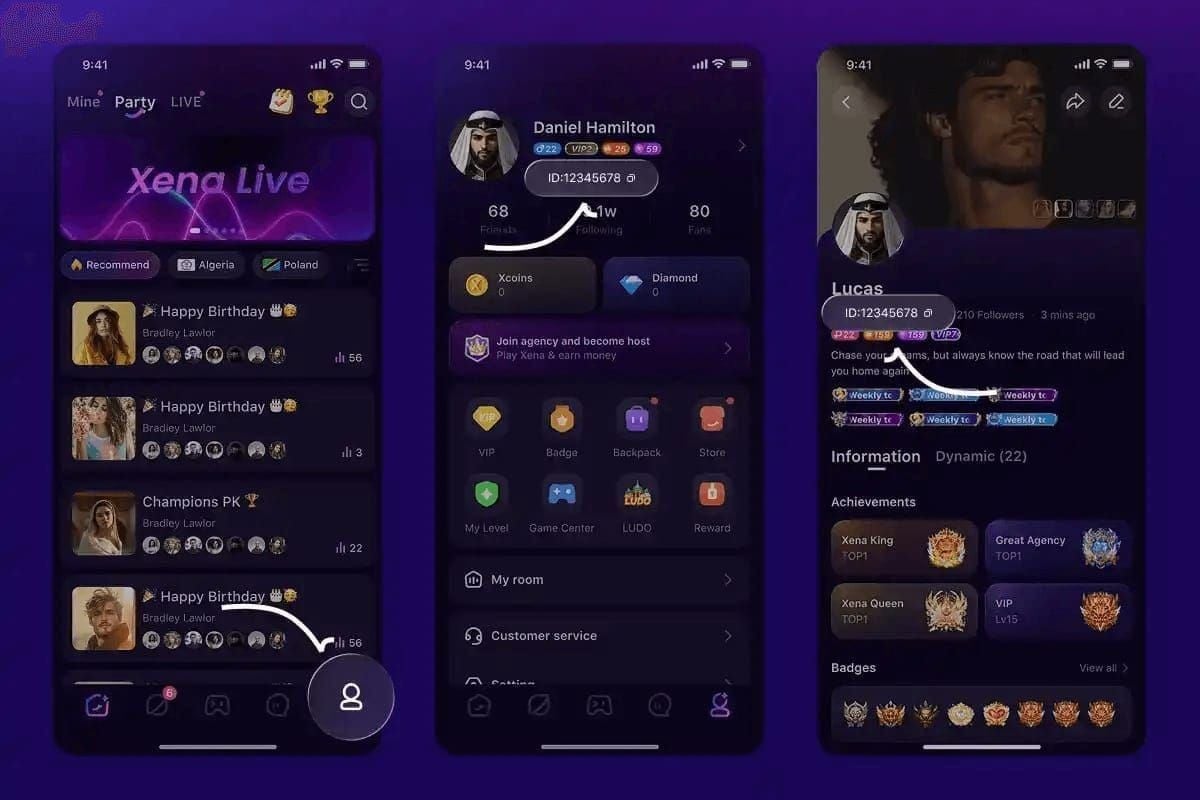
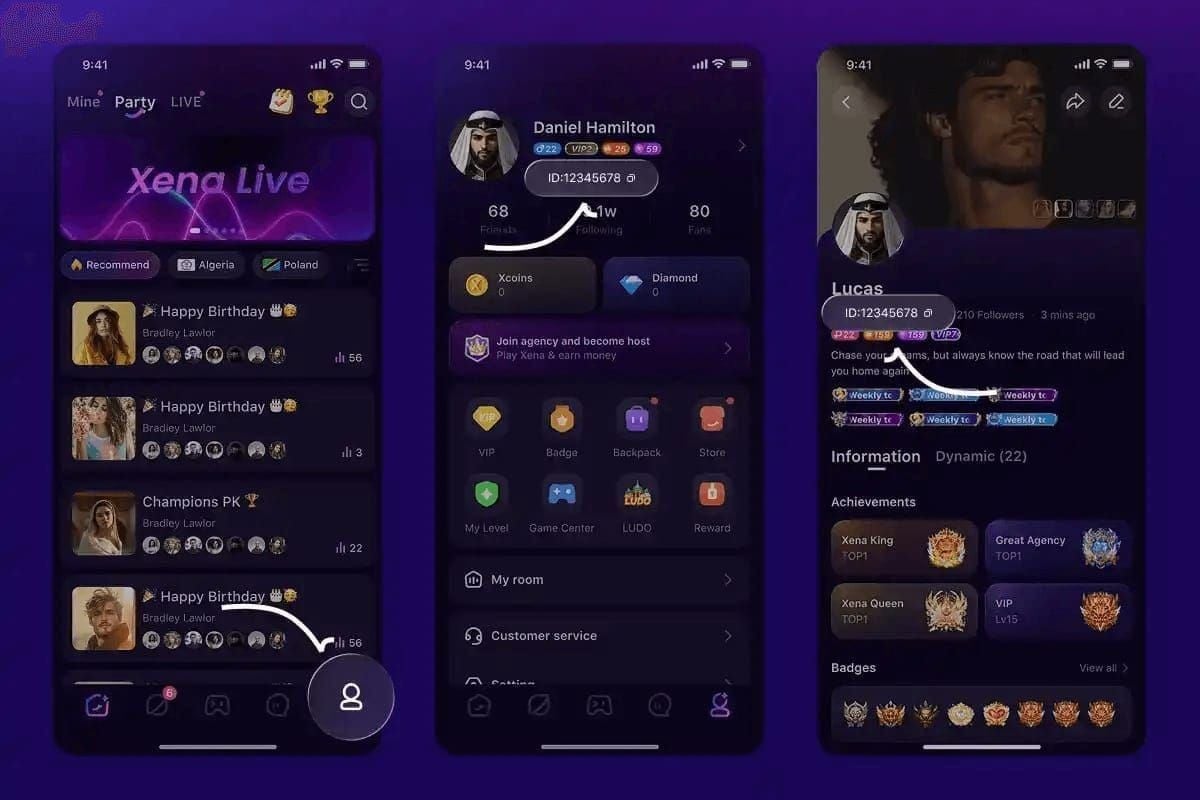
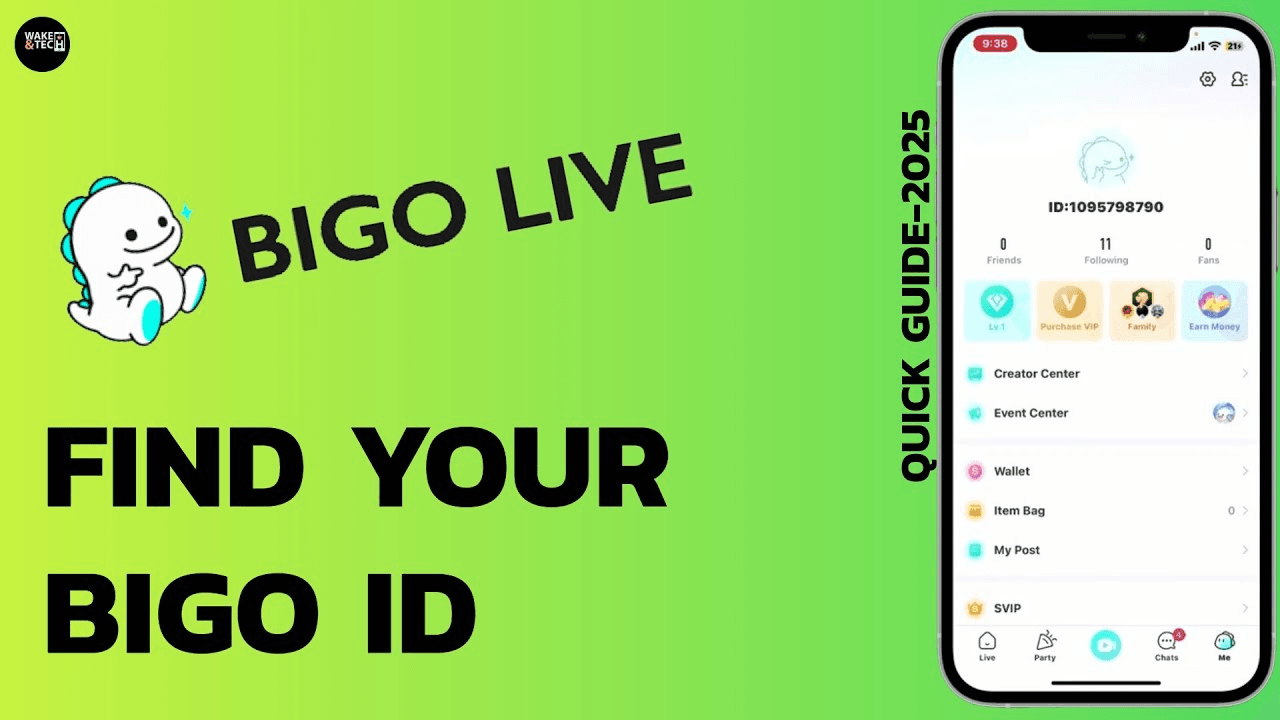
- Select package, enter User ID (U0100XXXXXX from Profile > Me)
- Choose payment method
- Complete checkout—diamonds delivered within minutes
Payment Methods
- Credit cards: 94-97% success, 5-15 seconds
- Digital wallets: PayPal, Apple Pay, Google Pay—90-93% success, 15-45 seconds
- Regional systems: Alipay, WeChat Pay, local transfers
- Cryptocurrency: 10-30 minutes (blockchain confirmation)
Security Features
SSL encryption, PCI DSS compliance. Buyer protection guarantees delivery or refund. Two-factor authentication optional.
Delivery Speed
85% within 10 seconds. Peak hour performance stable vs direct purchase 15-20% failure increase. Failed direct purchases require 7-14 day refunds before retry.
Refunds and Disputes
Refund Eligibility
- Confirmed payment without delivery (after 2-3 day investigation)
- Duplicate charges (report within 30 days)
- Failed transactions with authorization hold (auto-release 3-7 days)
Request Refund
Profile > Settings > Help & Support > Contact Us
Subject: Refund Request - Transaction ID [XXXXX] - Payment Completed Without Delivery
Include: Order ID, User ID, payment screenshot, timestamp, balance screenshot
Refunds: 7-14 business days to original payment method
Chargeback Procedures
Contact card issuer after exhausting Mango Live support. Provide all evidence plus support correspondence.
Deadlines: Visa/Mastercard/Amex allow 120 days from transaction. Successful chargebacks may result in account suspension.
Processing Times
Investigation: 2-3 business days. Credit/debit refunds: 7-14 business days. Digital wallets: 3-7 business days. Carrier billing: next billing cycle (30+ days).
Prevention Tips
Pre-Purchase Checklist
- Verify payment validity: expiration, balance exceeds amount + fees, international authorization
- Confirm account age exceeds 3 days
- Check app version matches 2.9.0 (Dec 19, 2025)
Optimal Network Conditions
Stable WiFi: minimum 2 Mbps, ping below 100ms. Disable VPN before purchase. Complete transaction on single network—no switching.
Account Maintenance
Complete profile: verified phone and email. Maintain consistent login patterns from primary device/location. Update payment methods regularly.
Most Reliable Payment Methods
Credit cards: highest success (94-97%), fastest (5-15 seconds). Digital wallets: good balance (90-93%) when cards fail. Avoid carrier billing for time-sensitive purchases (85-88% success, 30-120 seconds).
Expert FAQs
Why does my top-up keep failing?
Verify payment validity, check bank international transaction blocks, ensure account age exceeds 3 days, confirm app version 2.9.0, test network meets 2 Mbps/sub-100ms ping. Switch payment method or use BitTopup.
How long does pending order take?
Normal: 30 minutes for 97% of transactions. Credit cards 5-15 seconds, debit 10-30 seconds, wallets 15-45 seconds, carrier 30-120 seconds. Beyond 30 minutes: contact support. New accounts: 24-48 hour holds.
Diamonds don't appear after payment?
Screenshot payment, record Order ID/User ID, force close app, wait 10 seconds, reopen, refresh wallet. If unresolved: logout, wait 30 seconds, login, check balance. Submit support ticket with evidence.
Card declined on Mango Live but works elsewhere?
International transaction blocks, entertainment merchant restrictions, fraud detection. Contact bank to enable international transactions, whitelist Mango Live, pre-approve amount. Check error codes for specific guidance.
Can I get refund for failed top-up?
Yes, for confirmed payments without delivery after 2-3 day investigation. Submit through Help & Support with Order ID, User ID, payment confirmation, timestamp. Approved refunds: 7-14 business days. Authorization holds auto-release 3-7 days.
How to contact support?
Profile > Settings > Help & Support > Contact Us
Subject: Payment Completed - Diamonds Not Delivered - Transaction ID [XXXXX]
Attach 3-5 screenshots: payment confirmation, Order ID, User ID, timestamp, balance. Response: 24-48 hours. Investigation: 2-3 business days.
Tired of payment failures? Get Mango Live Diamonds instantly through BitTopup with 99.8% success rate, multiple secure payment options, and 24/7 support. Start hassle-free top-up now!