


Apple Gift Card (UK) Top Up: Instant Account Balance Recharge
An Apple Gift Card (UK) is the all-in-one digital pass for everything Apple in the United Kingdom. When you complete an Apple Gift Card (UK) top up on BitTopup, you receive an authentic 16-digit digital code denominated in British Pounds (GBP - £). Redeeming this code credits your Apple Account balance instantly, allowing you to spend on App Store games, in-app purchases, digital subscriptions, and physical products from the UK Apple Store.
BitTopup provides direct digital code fulfillment without requiring your Apple ID password or private login credentials. Once your purchase is confirmed, your code is available on your order screen and sent straight to your email address, ready for immediate redemption.
UK Region Lock and Apple ID Requirements Explained
Apple enforces strict country and currency restrictions on all Apple Gift Cards. A UK Apple Gift Card can only be redeemed to an Apple ID whose region setting is configured to the United Kingdom.
Region Compatibility Overview
| Feature / Condition | UK Apple Gift Card Specification |
|---|---|
| Card Currency | British Pound Sterling (GBP / £) |
| Account Region Required | United Kingdom (UK) |
| Cross-Region Usability | No (Cannot be redeemed on US, EU, or other regional Apple IDs) |
| Code Format | 16-digit alphanumeric code starting with "X" |
| Balance Expiration | No expiration date once credited to your account |
| Account Password Needed | Never (BitTopup only delivers the redemption voucher code) |
How to Check Your Apple ID Region
Before completing your Apple Gift Card UK recharge, verify that your Apple ID is set to the UK storefront:
- Open the Settings app on your iPhone or iPad.
- Tap your Name at the top of the menu.
- Select Media & Purchases, then tap View Account.
- Tap Country/Region. Ensure the country listed is United Kingdom.
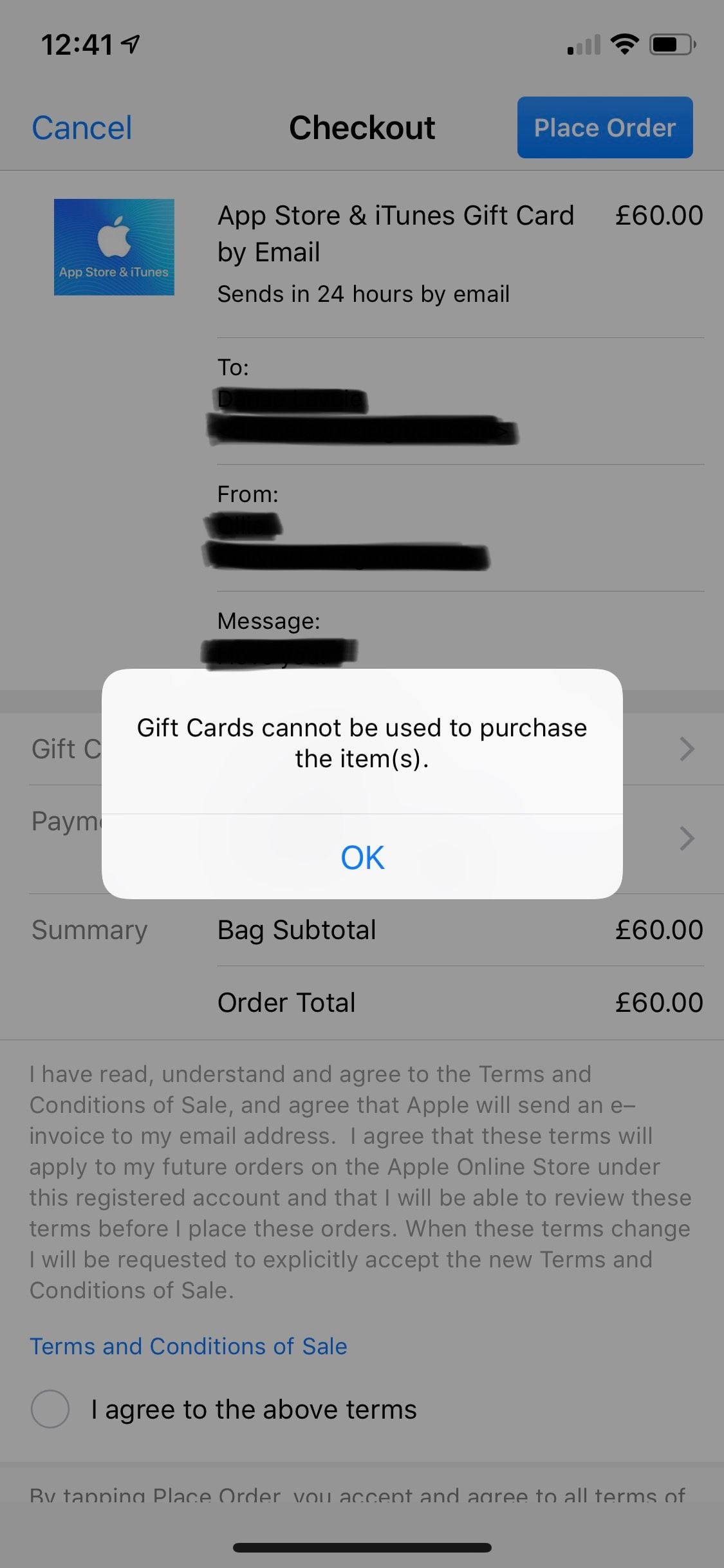
If your account is set to another territory (such as the United States or Germany), you will need to switch your region to the United Kingdom or create a dedicated UK Apple ID before you can redeem a GBP voucher.
Step-by-Step Guide: Redeeming Your Code on iPhone, iPad, Mac, and PC
Redeeming your UK Apple digital voucher takes less than a minute across any supported device.
On iPhone, iPad, or iPod touch
- Open the App Store app.
- Tap your profile icon or sign-in button at the top right corner of the screen.
- Tap Redeem Gift Card or Code.
- Select Enter Code Manually.
- Type or paste the 16-digit code received from BitTopup, then tap Redeem.
- Your Apple Account balance updates immediately.
On Mac
- Open the App Store on your Mac.
- Click your name or the sign-in button in the bottom-left sidebar.
- Click Redeem Gift Card in the upper-right area of the window.
- Enter your 16-digit digital code and click Redeem.
On Windows PC
- Open the Apple Music app or Apple TV app (or iTunes for Windows).
- Click your name at the bottom of the sidebar, then select Redeem.
- Sign in with your Apple ID if prompted.
- Enter the 16-digit voucher code and confirm redemption.
On Apple Vision Pro
- Open the App Store inside visionOS.
- Select your account profile.
- Choose Redeem Gift Card or Code and enter the digital code using the virtual keyboard.
What You Can Purchase with Your UK Apple Account Balance in 2026
Your UK Apple Account balance gives you flexible spending power across the entire Apple ecosystem in the United Kingdom:
- Mobile Games & In-App Purchases: Purchase premium titles on the iOS App Store, buy in-game currencies (such as Robux, Primogems, and V-Bucks), or unlock premium season passes.
- Apple Subscriptions: Pay your recurring monthly or annual fees for services including iCloud+ storage, Apple Music, Apple TV+, Apple Arcade, Apple Fitness+, and Apple One bundles.
- Third-Party App Subscriptions: Cover monthly plans for productivity, streaming, and utility apps billed directly through the App Store.
- Hardware & Accessories: Use your Apple Account balance online at apple.com/uk or through the Apple Store app to buy iPhones, iPads, MacBooks, Apple Watches, AirPods, AirTags, cases, chargers, and keyboards.
- Movies and Books: Rent or buy digital films on the Apple TV app and buy eBooks or audiobooks via Apple Books.
Troubleshooting Common Apple Code Redemption Issues
If you experience an issue when entering your voucher code, check these standard fixes:
- "Code is not valid": Double-check each character. Apple Gift Card codes do not use easily confused characters such as the capital letters I, O, or lowercase l. Ensure you did not copy extra spaces.
- "Code has already been redeemed": Sign out of the App Store on your device and sign back in. In many cases, the balance has already credited to your account but the display balance has not yet refreshed.
- "This code must be redeemed in the UK storefront": Your current Apple ID region does not match the United Kingdom. Update your account country settings or log in with a UK Apple ID.
- "Card is not active": If this rare prompt appears, contact BitTopup customer support with your order number for rapid verification.
Safe Digital Code Delivery and Payment Methods at BitTopup
BitTopup provides a fast, secure, and straightforward checkout for your Apple Gift Card (UK) recharge:
- No Password Sharing: We never ask for your Apple ID password, answers to security questions, or 2FA codes. You receive an independent redemption code that you apply to your own account.
- Instant Access: Your digital code is generated immediately upon successful payment verification and stored in your BitTopup order history.
- Transparent Live Checkout: Select the denomination you require. Exact pricing, currency conversion, and processing details are always clearly shown on the live checkout page before you pay.
- Dedicated Support: If you encounter any redemption questions, BitTopup customer support is available to assist you.
Frequently Asked Questions
Can an Apple gift card be topped up directly?
No, individual physical or digital Apple gift cards cannot have funds reloaded onto them. Instead, you purchase a new Apple Gift Card (UK) code on BitTopup and redeem it. The funds are added directly to your permanent Apple Account balance, which accumulates and remains active until spent.
Can I use a US Apple gift card in the UK?
No. Apple gift cards are strictly region-locked. A US Apple gift card (in USD) cannot be redeemed on a UK Apple ID. To add funds to a UK account, you must purchase an official Apple Gift Card (UK) denominated in GBP.
Can I buy an Apple Gift Card online in the UK?
Yes. You can buy Apple Gift Card online UK vouchers directly from BitTopup. You will receive a genuine digital redemption code on your screen and by email, allowing you to top up your balance from anywhere in the world as long as your Apple ID region is set to the UK.
How can I check my UK Apple gift card balance?
Once redeemed, your balance is attached to your Apple ID. On your iPhone or iPad, open the App Store, tap your profile photo at the top right, and your remaining Apple Account balance will be displayed directly beneath your name.
Can I use my UK Apple Gift Card for in-app subscriptions and iCloud+?
Yes. Once the code is redeemed to your UK Apple ID, Apple automatically draws from your Apple Account balance first to cover any recurring subscriptions, including iCloud+ storage, Apple Music, and in-app subscriptions, before charging any backup payment method.
What should I do if my Apple Gift Card code is not working?
First, verify that your Apple ID country is set to the United Kingdom. Next, confirm that you entered all 16 digits correctly without extra spaces. If the error continues, capture a screenshot of the message and reach out to BitTopup customer support with your order details for assistance.