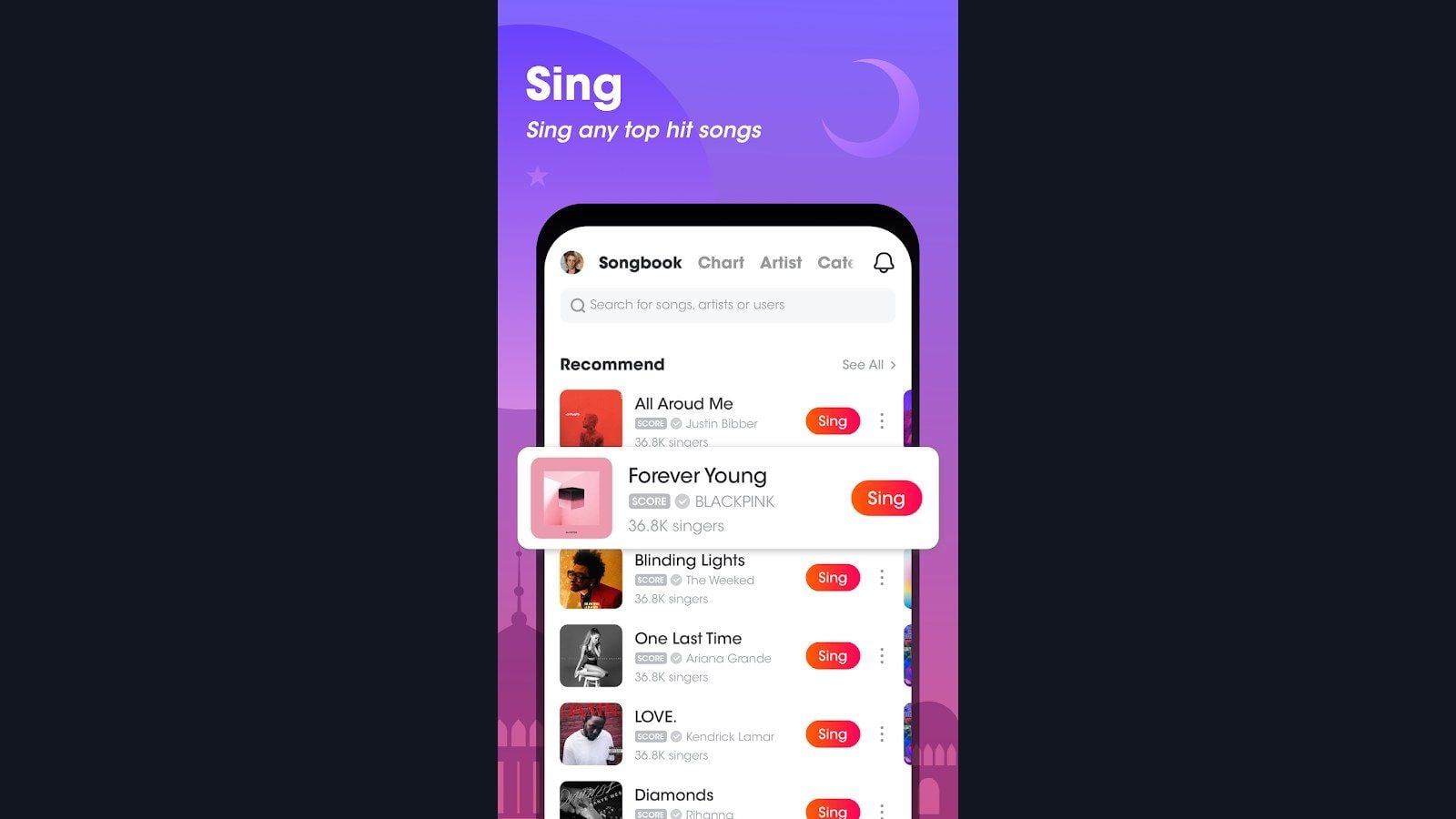
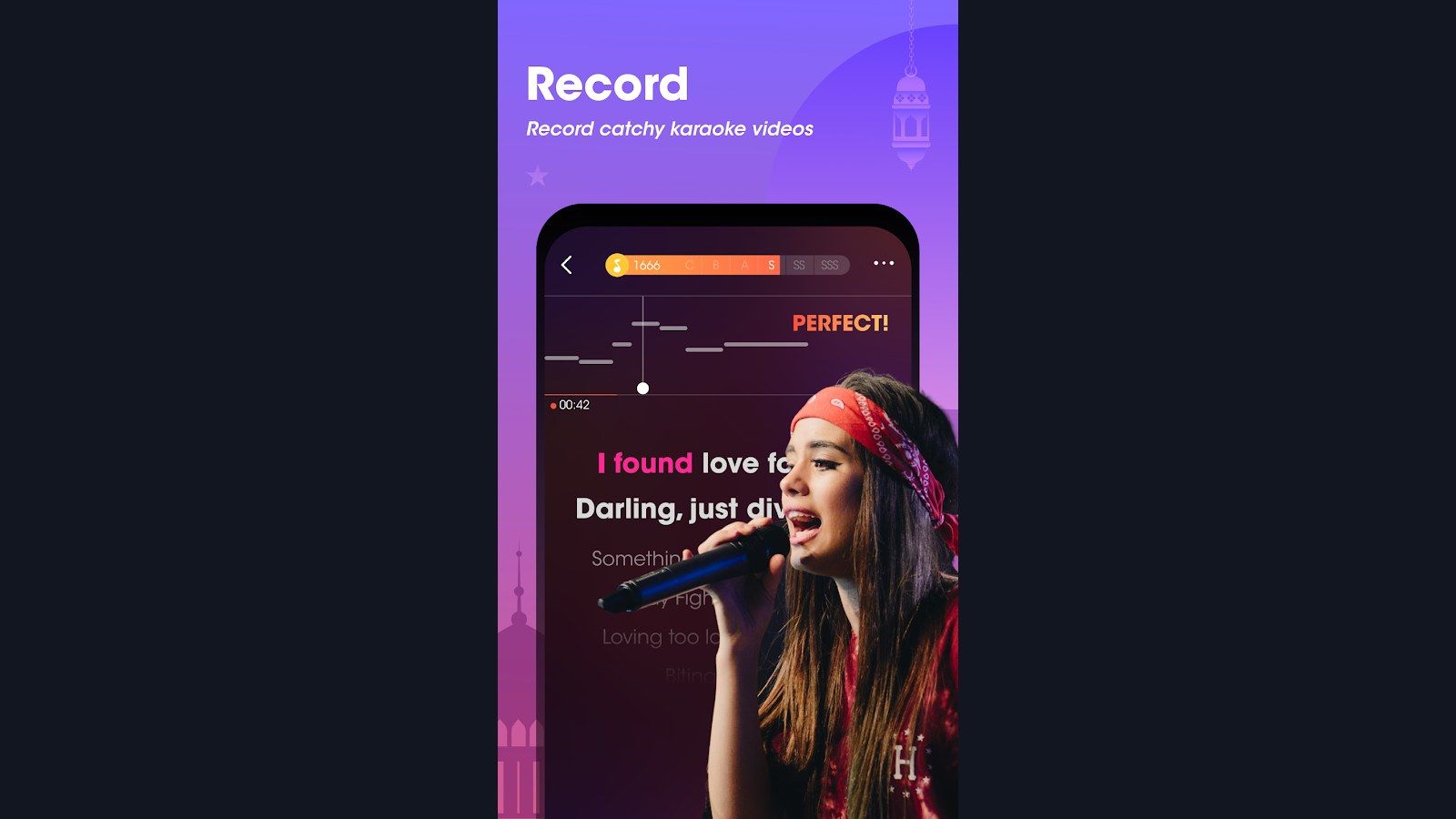
WeSing downloader tools take a share link from the official WeSing app and save that recording as MP3, M4A, or MP4 on your phone. Two Google Play apps still do that job in 2026: Downloader for Wesing Karaoke v6 by hongthuanjsc and Downloader for WeSing by QMLab. Get the karaoke app itself from Tencent's WeSing on Google Play.
This page tracks which package names stay on Play, which formats to pick, and how to keep the files legal. Bookmark it when either app ships a new build.
Need Kcoin for VIP, gifts, or a KTV Championship entry? WeSing Kcoin top up on BitTopup uses your numeric ID. No password.
Updated on 2026-08-27: hongthuanjsc v6 last hit Play on November 5, 2025 (SDK 35 + 16 KB page size). QMLab last hit Play on October 25, 2025. Song Downloader for WeSing (mobilesmart.download.song.video.forwesing) left Play on July 16, 2023. Skip sideloaded copies of that APK.
WeSing downloader apps that still work
Tencent Music lists more than 6 million songs and 100 million users on WeSing. The company does not ship an official "WeSing Downloader." The tools below are third-party Android apps. They read a share URL you copy inside WeSing, then write a local file.
Use them on recordings you sang. Pulling another user's performance or the licensed backing catalog for redistribution breaks copyright and WeSing's terms.
App (Play name) | Developer | Package | Play status (Aug 2026) | Android | Formats | Save folder |
|---|
Downloader for Wesing Karaoke | hongthuanjsc | com.hongthuanjsc.mp3.mp4.karaoke.downloader.forwesing
| v6, updated Nov 5, 2025; 100K+ installs; 5.0 from 9.8K reviews | 6.0+ on v6 | MP3, M4A, MP4 | WeSing-Downloader
|
Downloader for WeSing | QMLab | com.qmlab.wesing.karaoke.downloader
| updated Oct 25, 2025; 50K+ installs; 5.0 from 3.0K reviews | 4.0+ | MP3, M4A, MP4 | WeSing-Downloader
|
Song Downloader for WeSing | Mobile Apps Smart Ultility Online | mobilesmart.download.song.video.forwesing
| Removed from Play Jul 16, 2023. Last build was v18 (Mar 28, 2023), ~22.6 MB | 2.0+ (obsolete) | Video / MP3 | Phone/Wesing-Song-Downloader
|
Older guides still quote "WeSing Downloader v6 released November 16, 2025" and "Song Downloader v16, 50,000+ downloads since October 1, 2021." The November 16 date is the Uptodown XAPK stamp. Play lists hongthuanjsc's v6 update as November 5, 2025. The 50K figure now belongs to QMLab, not the removed Mobile Smart app. That removed APK was 22.6 MB, not 46.5 MB.
Install from Google Play inside your account. Skip APK mirror sites. hongthuanjsc v5 (September 11, 2025) still targeted Android 4.1. v6 raised the floor to Android 6.0 for the SDK 35 / 16 KB page-size change. That is a Play policy bump, not file encryption on the MP3 you save.
How to spot a safer install
Match the package name above before you tap Install. A clone with a similar title and a different package is a different app.
Open Play's Data safety card. Both live apps collect location, app activity, and device IDs and share some of that with third parties. hongthuanjsc also lists in-app purchases. QMLab lists a delete-data request. Both say data is encrypted in transit. They contain ads.
You need storage access to write the file and network access to fetch the media. A downloader that asks for contacts, SMS, or accessibility control is the wrong listing.
Files should land in one labeled folder. hongthuanjsc's own listing namesWeSing-Downloader. If an installer sprays clips across DCIM and Downloads with random hashes, treat that as a red flag.
If you still have Song Downloader for WeSing from 2021-2023, replace it. Google pulled the listing. An abandoned APK will not get SDK 35 fixes.
Step-by-step: save a recording as MP3
This is the flow both Play listings describe. Limit it to a performance you recorded, or one the owner asked you to keep.
Open WeSing and open the recording. On iPhone, install from the WeSing App Store page. The downloader apps below are Android-only.
Tap Share.
Tap Copy Link.
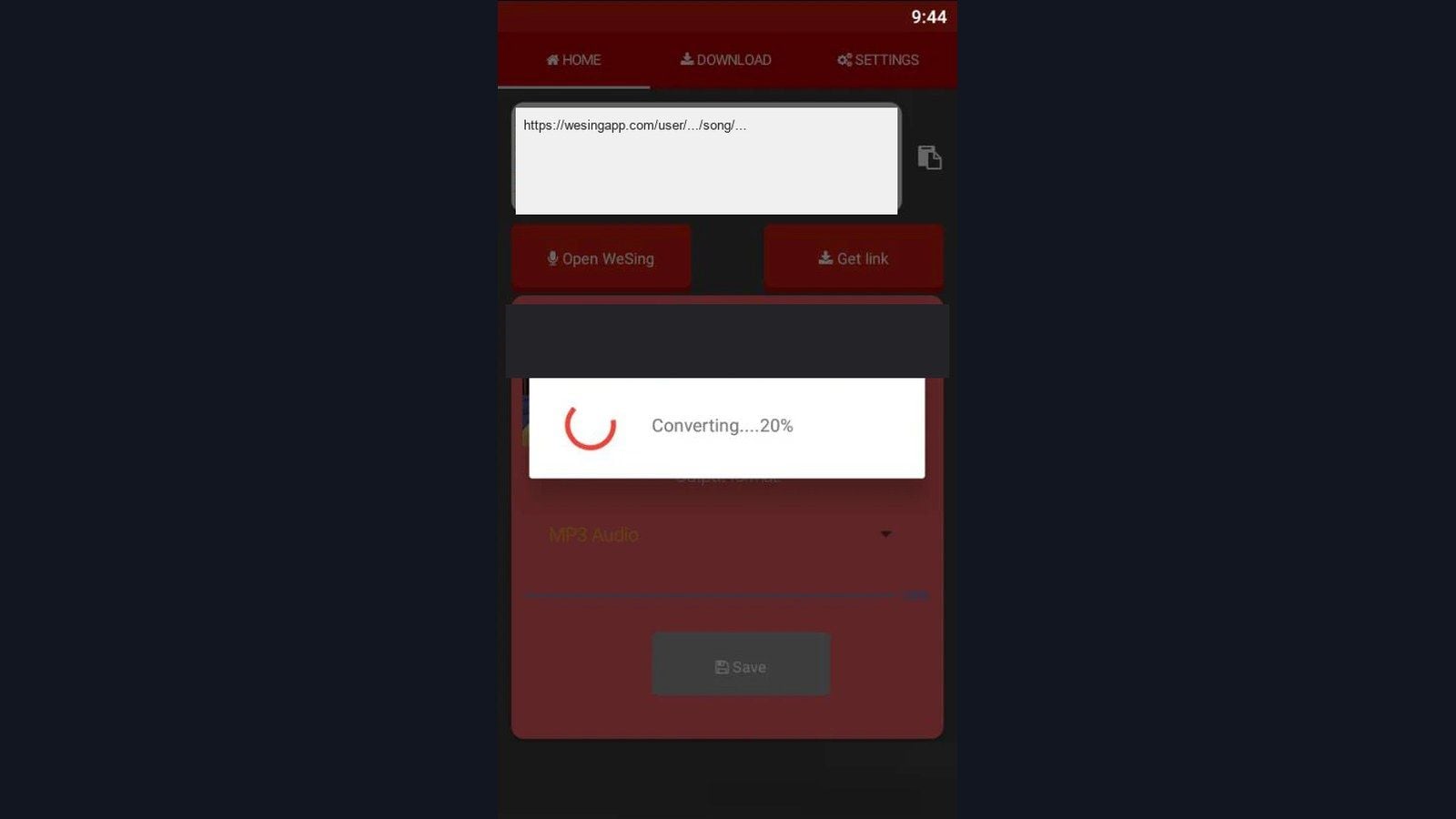
Open the downloader you installed from Play.
Paste the link.
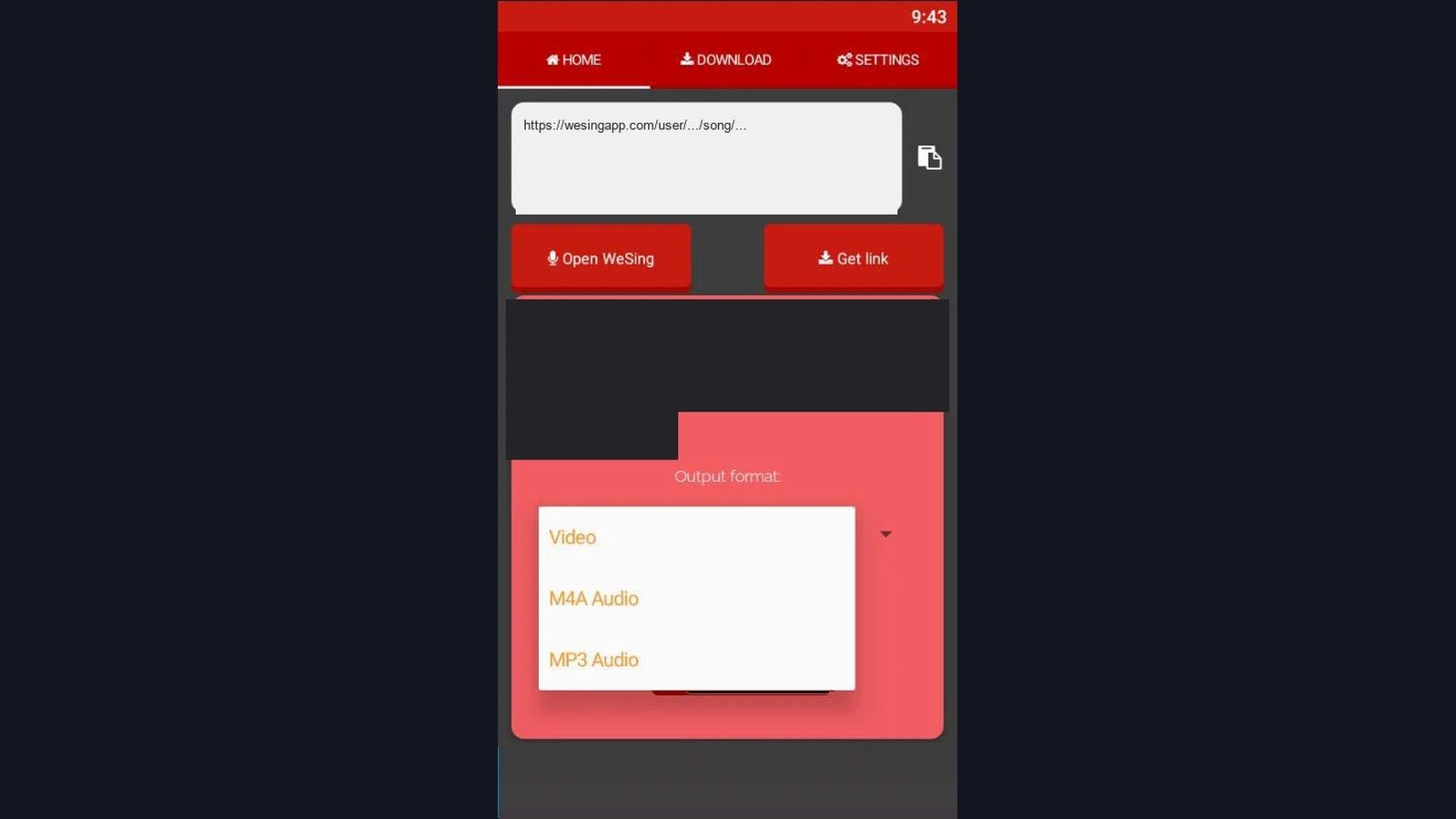
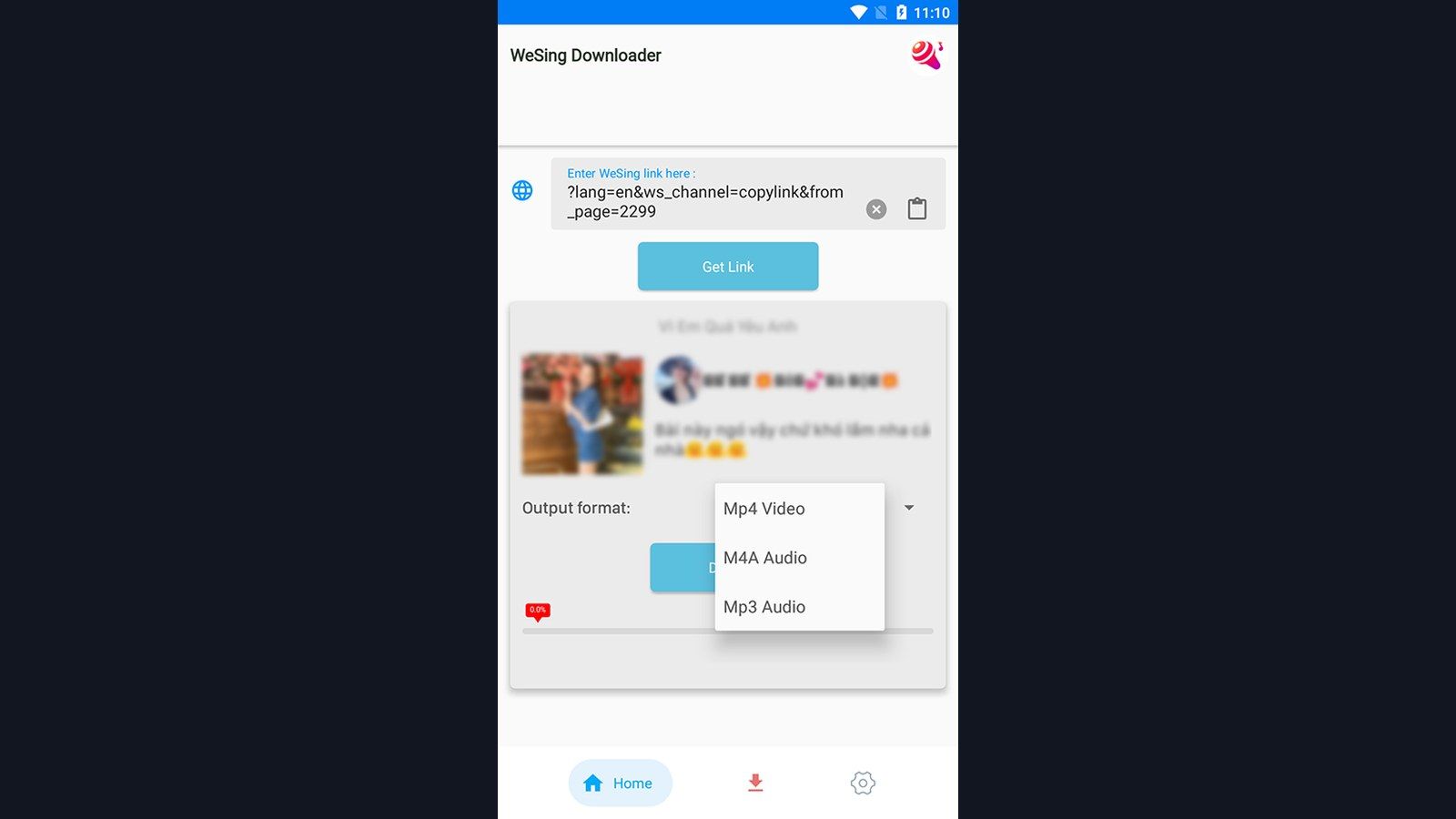
Wait until the app shows format buttons: Video (MP4), MP3, M4A.
Tap MP3 for a small audio file, M4A for AAC at a similar size with cleaner highs, or MP4 if you need the video.
Confirm and wait for the progress bar to finish.
Open Files and go toWeSing-Downloader (or the folder that app named).
Play the file in any local player. Check the first 10 seconds, a mid-song phrase, and the last 10 seconds while the share link still works.
MP3 and M4A often finish in under a minute on Wi-Fi. A 3-minute MP4 can take longer and needs more free space.
Share links fail when they expire, when the recording is private, or when the network drops. Copy a new link from WeSing and try again. The 24-72 hour window you see on older pages is not an official Tencent figure.
Use a downloader on PC through an Android emulator
There is no official Windows or Mac WeSing downloader. You run the same Android app inside an emulator, then copy files out to a desktop folder.
BlueStacks 5 (Windows): latest builds want Windows 10 or 11, 4 GB RAM (8 GB if you want the session stable), and about 5 GB free disk. Windows 7 only runs older BlueStacks 5.21.300 and below. On Mac, BlueStacks Air targets Apple Silicon (M1-M4) on macOS 11+. Plan for 8 GB RAM and about 12 GB free. Intel Macs no longer get a current BlueStacks build.
MuMu Player (Windows): official floor is Windows 7 or later, VT enabled, 4 GB RAM (8 GB if you stack instances), a quad-core CPU, and a discrete GPU around GTX 1050 class for smooth video. GTX 950 appears in older game-specific notes. MuMu Lite is the low-spec cut for 2-core / 2 GB boxes.
In the emulator Play Store, search the exact names from the table. Sign in with Google, install, then paste WeSing links the same way you do on a phone. Drag theWeSing-Downloader folder to an external drive or a cloud sync directory when you want a desktop library.
If WeSing itself refuses a region or a card, that is a storefront problem, not a downloader problem. The WeSing Southeast Asia availability guide covers official purchase limits. ID-only Kcoin top up stays the route that does not ask for your password.
MP3 vs M4A vs MP4
AAC at the same bitrate is the smaller file. Pick format by device support. Some older pages said M4A ran larger; that line was wrong.
Format | What you get | Size for a ~3 min clip | Use when |
|---|
MP3 | Lossy audio, plays on phones, car decks, and DAWs | About 4-5 MB at 192 kbps | You move files between old and new devices |
M4A (AAC) | Lossy audio with better treble at the same bitrate | About 20-30% smaller than MP3 at matched quality | Your players handle AAC (hardware after 2015) |
MP4 | Video plus audio | About 25-80 MB, resolution decides the spread | You need face, stance, or lyric video |
A 100-song MP3 set at 192 kbps sits around 400-500 MB. The same set in M4A is closer to 300-400 MB. The same set in MP4 is 3-6 GB. Leave about 20% free space for temp files during a download.
For pitch and breath work, 192 or 256 kbps is enough. MP3 artifacts sit in the top octave; you hear them less when you track pitch. Keep MP4 for the few performances you want to watch.
Build an offline practice library
Create one parent folder, then pick a single axis so you can find a file in two taps:
Difficulty: Beginner / Intermediate / Advanced
Genre: Pop / Ballad / R&B / Rock
Range: Low / Mid / High
Job: Warm-up / Technique / Set list
Name filesArtist-Song-YYYY-MM-DD-format.mp3. Tag Artist, Title, Year, and a comment such as "chorus breath." Batch taggers write those fields across a folder in one pass.
Keep three copies if the set matters: phone for daily practice, a weekly copy on a drive, a monthly copy in encrypted cloud storage. After 10 GB, upload only new or edited files.
Kcoin does not buy extra local storage for these folders. Kcoin pays for gifts, room props, Full VIP (1,866 Kcoins / 30 days), Partial VIP (1,031), and KTV Championship entries (373). After the April 1, 2026 v8.2 5.5% hike, the 3,731 and 5,597 bundles still have the best per-coin math. See the WeSing Kcoin top-up methods and the post-hike bundle table. As of August 27, 2026, BitTopup lists 5,597 Kcoins at $72.41.
Prep tracks for vocal work
Normalize the folder so verse and chorus sit at a similar loudness. A 3:1 compressor on the vocal-heavy file makes a quiet line audible on cheap earbuds. A high-pass near 80 Hz cuts subway rumble on the same pair.
Loop a 15-second problem bar. Set in/out on a zero crossing so the join does not click. SaveSong-BridgeLoop.mp3 and put those loops in their own playlist.
Time-stretch, keep pitch. Sit at 70% until you land five clean takes, then 80%, 90%, 100%. A short block at 110% makes performance tempo feel slower the next day.
If you import the file into a DAW, use it to study your take: spectrum for pitch drift, a second track for a harmony pass, EQ and a short plate if the phone recording is dry. Export that mix back to the phone. Do not strip a licensed backing track for reuse.
Duet timing problems inside WeSing are a network issue. The WeSing duet desync guide covers ping and upload checks. A 100-500 ms slip on a saved MP4 is a VFR encode. Re-download as M4A, or nudge the audio in an editor in 50 ms steps if that file is the only copy.
Fix failed, skewed, or broken files
Download failed. Copy a new share link. Confirm Wi-Fi or a stable cell path. Confirm free storage is at least 20% above the file size. Pause other downloads.
MP4 lips out of sync. Switch to M4A for practice. Reserve MP4 for the few videos you need.
MP3 skips or sounds crushed. Download again from a new link. Repair tools can rebuild a broken header on a one-off file you cannot recapture. Spot-check the file the same day you save it.
Keep a text list of links if you want a queue. Paste them one at a time. Skip clipboard-spy utilities.
FAQ
Can you legally download karaoke tracks from WeSing in 2026?
Keep your own performances for personal practice and backup. Saving another user's recording, or the copyrighted instrumental, for redistribution violates copyright and WeSing's terms. These Play apps are not Tencent products. Get the official WeSing app from Tencent Music Entertainment.
What is the best audio format for WeSing recordings?
MP3 at 192 kbps or higher if you care about old players. M4A if every device in the chain plays AAC: same quality, smaller file. MP4 only when you need the picture. Video runs 5-10x the audio size.
How do WeSing downloader tools work?
You copy a share URL in WeSing, paste it into the downloader, pick MP3, M4A, or MP4, and the app writes the file underWeSing-Downloader. The app talks to the hosted media behind that link. It does not rip the in-app catalog as a bulk archive.
How much storage does an offline library need?
100 MP3s at 192 kbps: about 400-500 MB. M4A: about 300-400 MB. MP4: 3-6 GB. Keep 20% extra for temp files.
What are the system requirements in 2026?
hongthuanjsc v6: Android 6.0+. QMLab: Android 4.0+. BlueStacks 5 latest: Windows 10/11, 4 GB RAM, ~5 GB disk. BlueStacks Air: Apple Silicon, macOS 11+, 8 GB RAM. MuMu: Windows 7+, 4 GB RAM, VT on, quad-core; 8 GB RAM if you run more than one instance. Song Downloader for WeSing's Android 2.0 listing is dead.
How should I organize the files?
One parent folder, one naming pattern (Artist-Song-Date-Format), ID3 tags, and a three-tier backup: phone, drive, encrypted cloud.
Conclusion
The 2026 shortlist is two Play Store packages: hongthuanjsc v6 and QMLab. The Mobile Smart listing that older articles still rank is gone. Copy your own share link, pick MP3 or M4A, and keep the files in one folder.
When you want VIP, a KTV entry, or gifts without handing over a password, use WeSing Kcoin top up and the Kcoin methods guide. Recheck this page after the next SDK update on either downloader.