

Bstation Premium Membership (ID) Top Up: Stream Anime in Ultra HD
Bstation (Bilibili Indonesia) is the primary destination for streaming officially licensed anime, donghua, and popular Asian entertainment across Southeast Asia. While free users can view select standard-definition titles with ads, a VIP subscription provides uninterrupted, high-definition access to the complete streaming library.
A Bstation Premium Membership (ID) top up grants you direct access to premium-only simulcasts, full seasonal archives, and enhanced playback features. Digital membership vouchers allow you to activate VIP status instantly on your Indonesian Bstation account without binding private credit cards or setting up recurring subscription billing. You receive an official digital voucher code to redeem directly into your profile on the mobile app or web browser.
Premium Membership Benefits and VIP Perks in 2026
Upgrading to VIP status transforms your daily viewing experience across mobile devices, tablets, desktop browsers, and smart TVs. Bstation Premium accounts come with several exclusive entertainment privileges:
- Simulcast Early Access: Watch new weekly episodes of trending seasonal anime simultaneously with Japanese TV broadcasts, days or weeks before they become available to free viewers.
- Complete VIP Catalog Access: Enjoy unrestricted access to locked anime series, exclusive original animations, popular Asian dramas, and subscriber-only creator videos.
- 1080p and 4K Ultra HD Streaming: Unlock maximum visual fidelity with crisp 1080p Full HD and select 4K UHD resolutions, alongside high-bitrate audio processing.
- Ad-Free Viewing: Eliminate pre-roll and mid-roll video advertisements completely for smooth, distraction-free playback.
- Dolby Audio Support: Experience multi-channel surround sound and immersive audio tracks on supported devices.
- Offline Downloads: Download full episodes to your mobile device for offline viewing during commutes or travel.
- Exclusive Profile Customization: Stand out in live bullet chats and comment sections with exclusive VIP avatar frames, custom badges, and colored text decorations.
Available Bstation Premium Durations and Validity Periods
Bstation Indonesia vouchers are available in three standard duration tiers to fit your streaming schedule. Each voucher grants a specific number of calendar days of VIP service:
| Membership Tier | Total Validity | Best For |
|---|---|---|
| 1-Month VIP | 31 Days | Catching up on a single finished anime season or testing premium perks |
| 3-Month VIP | 93 Days | Following an entire three-month seasonal anime broadcast cycle |
| 12-Month VIP | 366 Days | Full-year access with maximum convenience and no monthly renewal hassle |
All membership tiers activate immediately upon code redemption. If you currently have active VIP days remaining on your account, redeeming an additional voucher simply extends your expiration date by the full duration of the new package.
Step-by-Step Guide to Buying Bstation Premium on BitTopup
Ordering your digital voucher code on BitTopup takes only a few moments:
- Select the Bstation Premium Membership (ID) product page on BitTopup.
- Choose your preferred membership duration (1 Month, 3 Months, or 12 Months).
- Review your order details and verify that your account matches the Indonesia region.
- Click Buy Now and proceed to the secure checkout interface.
- Select your preferred payment method and finalize the purchase.
- Retrieve your unique 12-digit redemption code instantly from your BitTopup order confirmation screen or registered email.
How to Redeem Bstation Voucher Codes on App and Web
Once you receive your digital code, you can redeem it either through the official Bstation mobile application or via your desktop web browser.
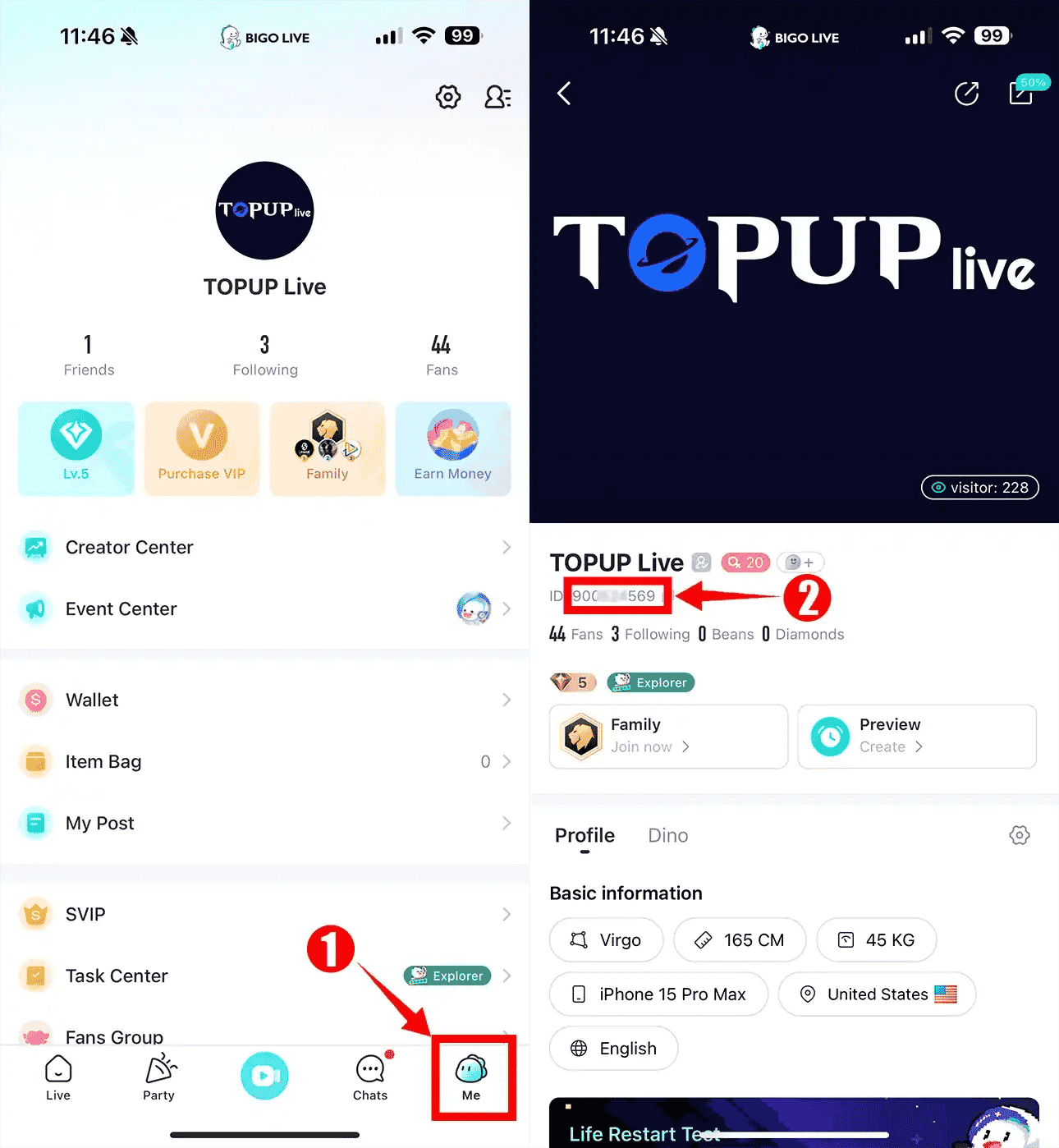
Method 1: Redeeming on the Bstation Mobile App (Android / iOS)
- Open the Bstation app on your mobile device and log in to your Indonesian account.
- Tap the Me or Profile icon located at the bottom right corner of the screen.
- Tap on the Premium or VIP banner.
- Locate and select the Redeem / Voucher Code button.
- Enter your 12-digit digital voucher code accurately into the text field.
- Tap Confirm to activate your VIP benefits instantly.
Method 2: Redeeming via the Web Browser
- Visit the official Bstation / Bilibili TV portal (
bilibili.tv) and log in to your account. - Click on your profile avatar in the top right corner and open the VIP Center.
- Select Redeem Code / Klaim Kode Voucher.
- Type or paste your digital code into the redemption box.
- Click Submit to apply the membership duration to your account profile.
Indonesia Region Lock Policies and Stacking Rules
Before redeeming your voucher, verify the following regional and operational rules to prevent redemption errors:
- Indonesia Region Requirement: Bstation Premium (ID) codes are strictly region-locked. They can only be redeemed on Bstation/Bilibili accounts registered with Indonesia set as the primary country, or accessed from Indonesian IP locations.
- No Automatic Expiration Loss: If your active VIP subscription still has days remaining, redeeming a new 1-month, 3-month, or 12-month voucher stacks directly onto your current balance. Your account will calculate the new expiration date by adding the exact validity days.
- One-Time Code Use: Each digital voucher code is single-use only. Once activated on an account, it cannot be transferred, reset, or redeemed on a secondary profile.
- Immediate Activation: The countdown for your VIP duration begins at the moment the voucher is redeemed on the platform.
Safe Checkout: Zero Password Sharing and Fast Delivery
BitTopup offers a reliable and secure environment for purchasing your digital entertainment vouchers:
- Zero Password Requirement: BitTopup provides direct digital redemption codes. You never need to share your Bstation login credentials, Bilibili password, or two-factor verification codes.
- Instant Digital Delivery: Your redemption code is generated and displayed immediately after payment verification, allowing you to activate your subscription without delays.
- Multiple Secure Payment Methods: Choose from an extensive selection of trusted local and international payment options at live checkout rates.
- 24/7 Customer Support: If you experience any issues with order delivery or code redemption, BitTopup's support team is available around the clock to assist you.
Frequently Asked Questions
How do I redeem my Bstation Premium Membership code?
Log in to your Bstation account on the mobile app or web portal (bilibili.tv), open your Profile or VIP Center, select Redeem Code, input your 12-digit voucher code, and confirm to activate your VIP status.
Can I use an Indonesia (ID) Bstation Premium code on an account registered in another country?
No. Indonesia (ID) Bstation codes are geographically restricted. They only function on accounts created in Indonesia or configured for the Indonesian regional catalog. Attempting to redeem an ID code on accounts registered in other regions will result in a regional mismatch error.
What perks and benefits come with Bstation Premium Membership in 2026?
VIP members receive full ad-free viewing, early access to new anime simulcast episodes, unlocked access to the entire VIP library, 1080p Full HD and 4K UHD video playback, Dolby Audio quality, offline episode downloads, and exclusive chat decorations.
Does purchasing a new Bstation membership stack on top of my existing active subscription?
Yes. If you currently have an active VIP membership, redeeming another code will extend your current subscription. For example, redeeming a 3-Month voucher with 10 days remaining will increase your total active VIP duration to 103 days.
Do I need to share my Bilibili or Bstation account password to recharge on BitTopup?
No. BitTopup sends you an official digital voucher code. You redeem this code yourself inside the official Bstation app or website, ensuring your login credentials and private account details remain completely confidential.
What should I do if my Bstation redemption code shows invalid or expired?
Double-check that you entered all 12 characters correctly without accidental spaces. Ensure you are logged into an Indonesian Bstation account. If the error continues, check your BitTopup order history or contact BitTopup 24/7 customer support with your order number for quick assistance.