What claw controls actually do
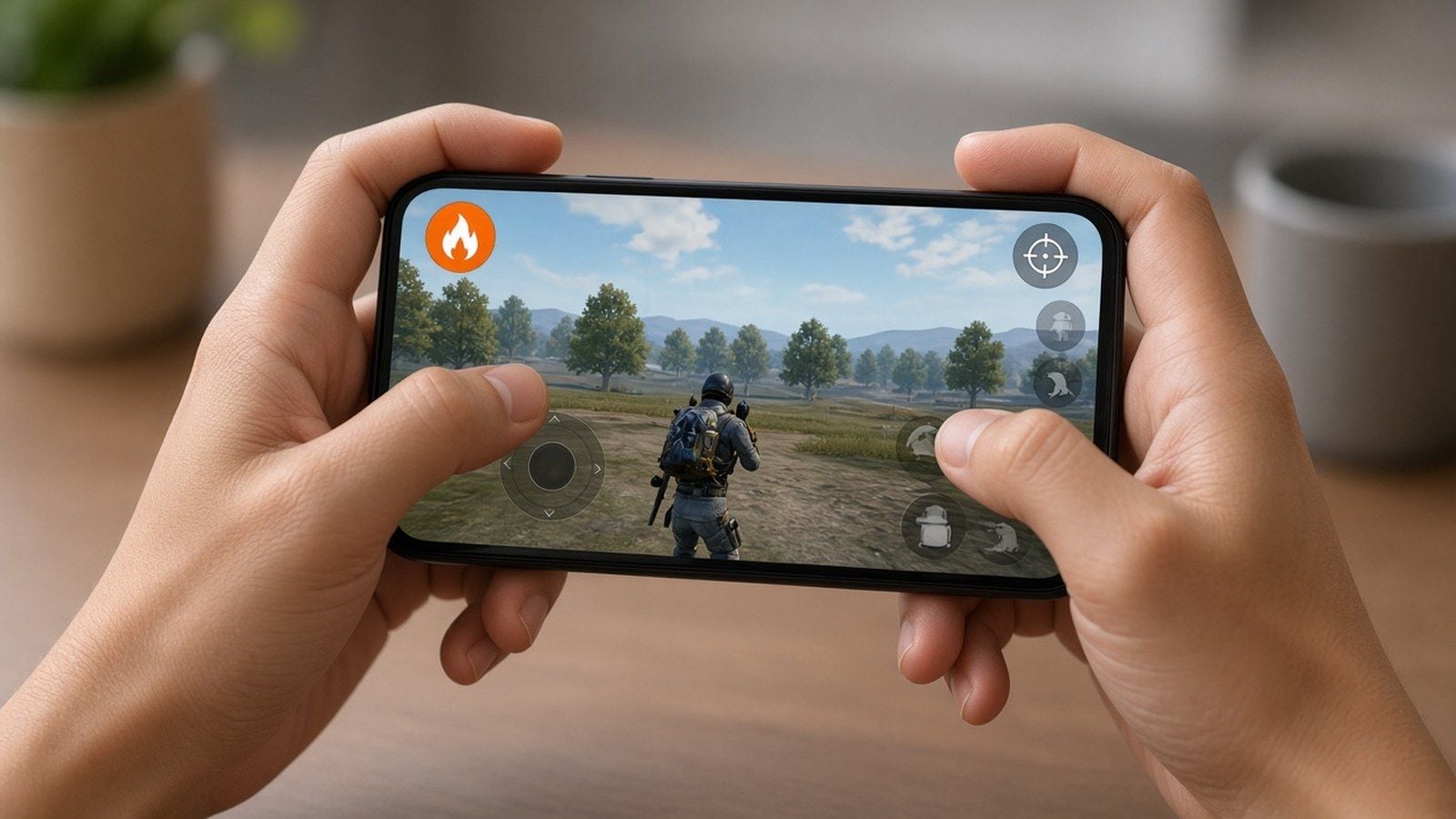
Left thumb moves. Right thumb owns the camera. Left index fires. Right index handles scope, jump, and peek. You stop choosing between strafing and shooting.
4-finger claw unlocks crouch-spray, jump-peek, and spray transfers without lifting a thumb. 5-finger adds a dedicated lean, grenade, or prone finger. More fingers add simultaneous inputs. They do not raise walk speed or TTK.
Version 4.6 control reality check
Version 4.0 did not invent claw. The HUD editor path stayed the same. What changed for claw players through 4.5–4.6:
Classic TPP and Classic FPP still copy each other. Arena Team TPP/FPP copy inside Arena. You still cannot paste a Classic HUD onto Arena. Build both.
Version 4.5 added Ninja Run, Chakra, in-match HUD edit (hold the settings gear in a match), and separate vehicle layout share codes.
Version 4.6 (Midnight Hunters, live from 8–9 September 2026) keeps that HUD stack. Recheck fire/ADS reach after any themed-mode button lands on your slot.
Official control copy rules live in the PUBG Mobile Help Center control key FAQ.
Device and performance prerequisites
Screen space beats theory. 6.1 inch phones run 4-finger cleanly. 6.7 inch+ opens 5-finger without stacking buttons. Tablets and iPad Pro remain the easiest path to 5–6 finger.
Setting | Target |
|---|
Refresh rate | 90 Hz or 120 Hz if the panel holds it |
Graphics | Smooth or Balanced |
Frame rate | Highest stable lock (90 beats a dropping 120) |
Auto-rotate | Off |
Device heat | Keep under ~40°C; thermal throttle adds input lag |
Disable auto-rotate before you calibrate gyro. A mid-fight orientation flip resets your muscle memory.
4-finger layouts by device
Phone (6.1–6.7 inch)
Import7275-1794-4178-8556-303, then nudge:
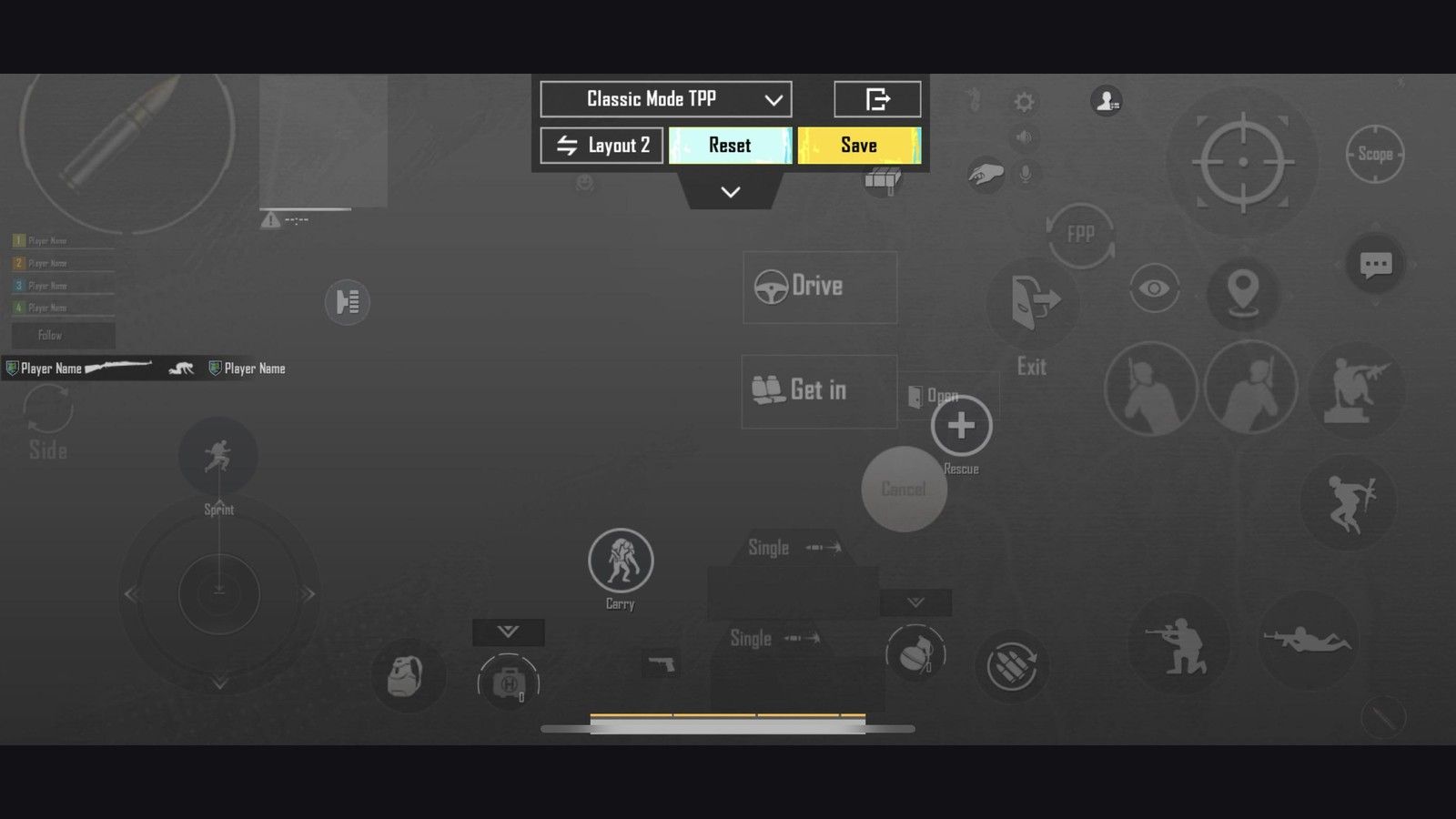
Fire: top-left, 120–140%, left index rest point
Scope / ADS: top-right, near 100% so a camera swipe does not ADS
Joystick: 110–120%, low left
Peek / jump / crouch: right index cluster with ~15% button-width gaps
Transparency: 60–80%
Curved Samsung edges: pull fire and ADS a few percent inward. 18:9 / 19:9 / 20:9 panels need the top row lower than old 16:9 codes.
Backup codes if Search rejects the meta string:6974-6998-1946-2820-026 (medium-large phones),6960-4897-8808-0654-298 (AR spray),6960-4897-8808-0564-299 (DMR / bolt).
Large phone / Pro Max (6.7–6.9 inch)
You can add a fifth finger for lean or prone. Keep fire at 120–140%. Shrink secondary icons to 80–100% so the top row does not collide. iPhone Pro Max and large Android flagships fit this better than compact 6.1 inch panels.
iPad / Android tablet
Use the extra glass. Fire 130–150%. Open gaps to 20–25%. Drop camera and gyro about 15–20% versus your phone numbers; the heavier glass over-rotates at phone gyro values. Six-finger codes such as6960-4887-1407-8797-709 belong here, not on a normal phone.
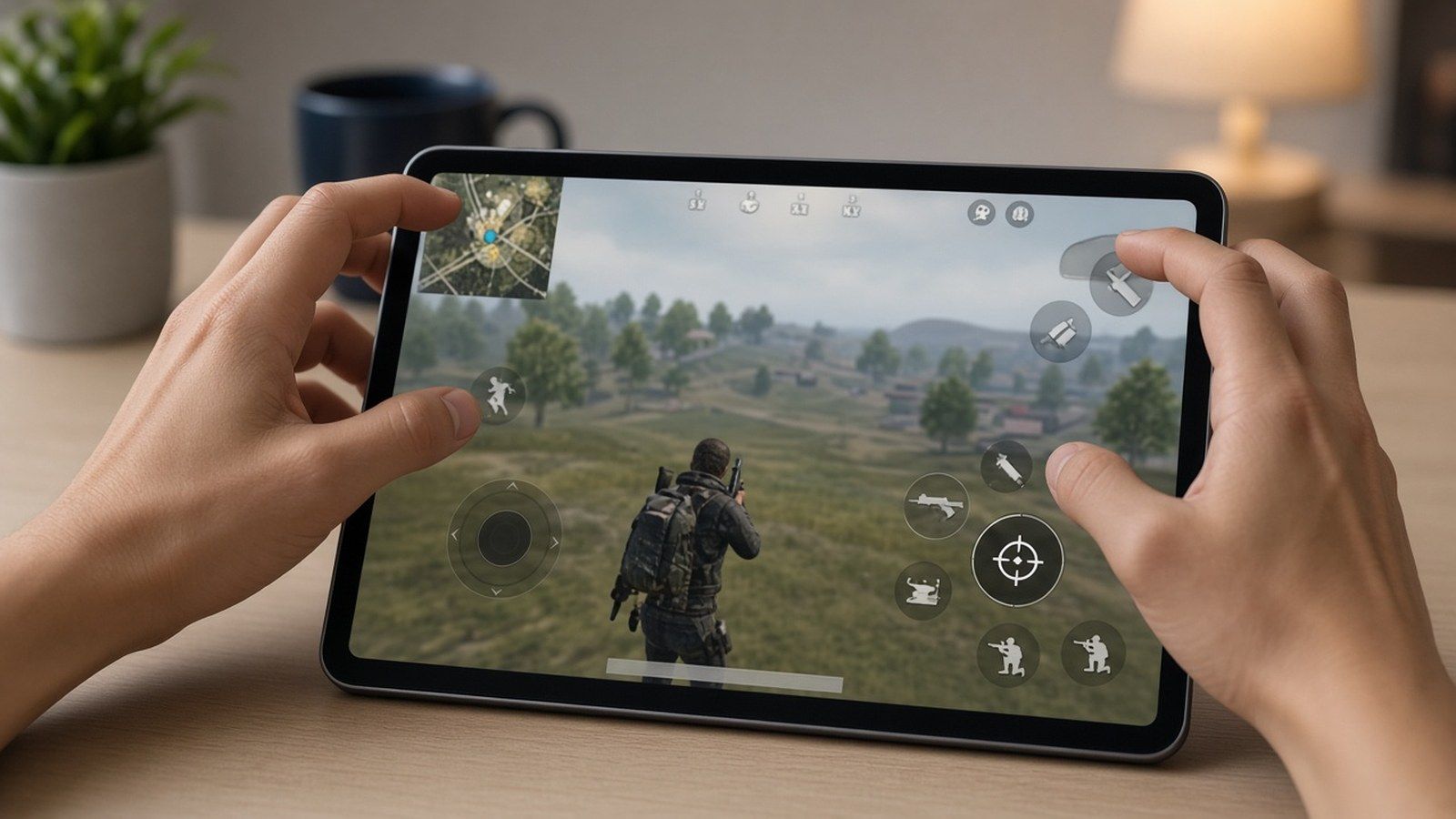
5-finger finger map
Finger | Job |
|---|
Left thumb | Movement, inventory |
Left index | Primary fire (fixed left fire Always On) |
Left middle | Peek / lean, or grenades |
Right thumb | Camera, secondary aim |
Right index | Scope, jump, crouch |
Aggressive players put nades on the fifth finger. Positional players put prone there. On Version 4.5+ themed modes, give Ninja Run / Chakra their own dead zone so a fat finger does not burn a jutsu mid-spray.
Control toggles that match claw
Toggle | 4-finger value |
|---|
Show Left Fire Button | Always On |
Right fire | Off or tiny / low opacity |
Scope Mode | Hold |
Peek & Fire | On |
Peek Mode | Mixed |
Peek & Open Scope | Disable |
Camera Rotation while Leaning | Disable |
Camera Rotation while ADS | Disable (On only if you already aim with lean) |
Jump / Climb | Separate |
Merge Crouch and Prone | Disable |
Control Style | Modern |
Aim Assist | On unless a tournament rulebook bans it |
Gyroscope with claw
Claw frees a finger. Gyro frees the vertical spray. Most high-rank claw players run both.
Week 1: Gyroscope → Activate the scope. Calibrate on a flat surface at your play angle. Week 2+: Always On.
Starting gyro ranges (Always On)
Scope | Gyro | ADS Gyro |
|---|
TPP / FPP No Scope | 280–320% | 280–320% |
Red Dot / Holo / Iron | 270–320% | 270–320% |
2x | 260–320% | 260–320% |
3x | 180–210% | 180–210% |
4x | 160–200% | 160–200% |
6x | 120–160% | 120–160% |
8x | 55–85% | 55–85% |
Camera + ADS (thumb still does big turns)
Scope | Camera | ADS |
|---|
TPP No Scope | 120–150% | 100–120% |
FPP No Scope | 100–130% | 100–120% |
Red Dot / Holo / Iron | 45–55% | 50–60% |
2x | 25–35% | 37–45% |
3x | 20–28% | 30–35% |
4x | 14–22% | 20–30% |
6x | 12–18% | 15–23% |
8x | 8–12% | 10–15% |
Use fingers for large flicks. Use tilt for micro-tracking and recoil. After a 25 m M416 spray: climb = +5% ADS or gyro; overshoot = −5%. Change one slider per session.
Universal sensitivity starter string many claw players still preview:1-7435-8846-3421-0303-0728. HUD import does not overwrite Camera / ADS / Gyro. Full code tables sit on the PUBG Mobile sensitivity codes page and the 4-finger claw + gyro settings page.
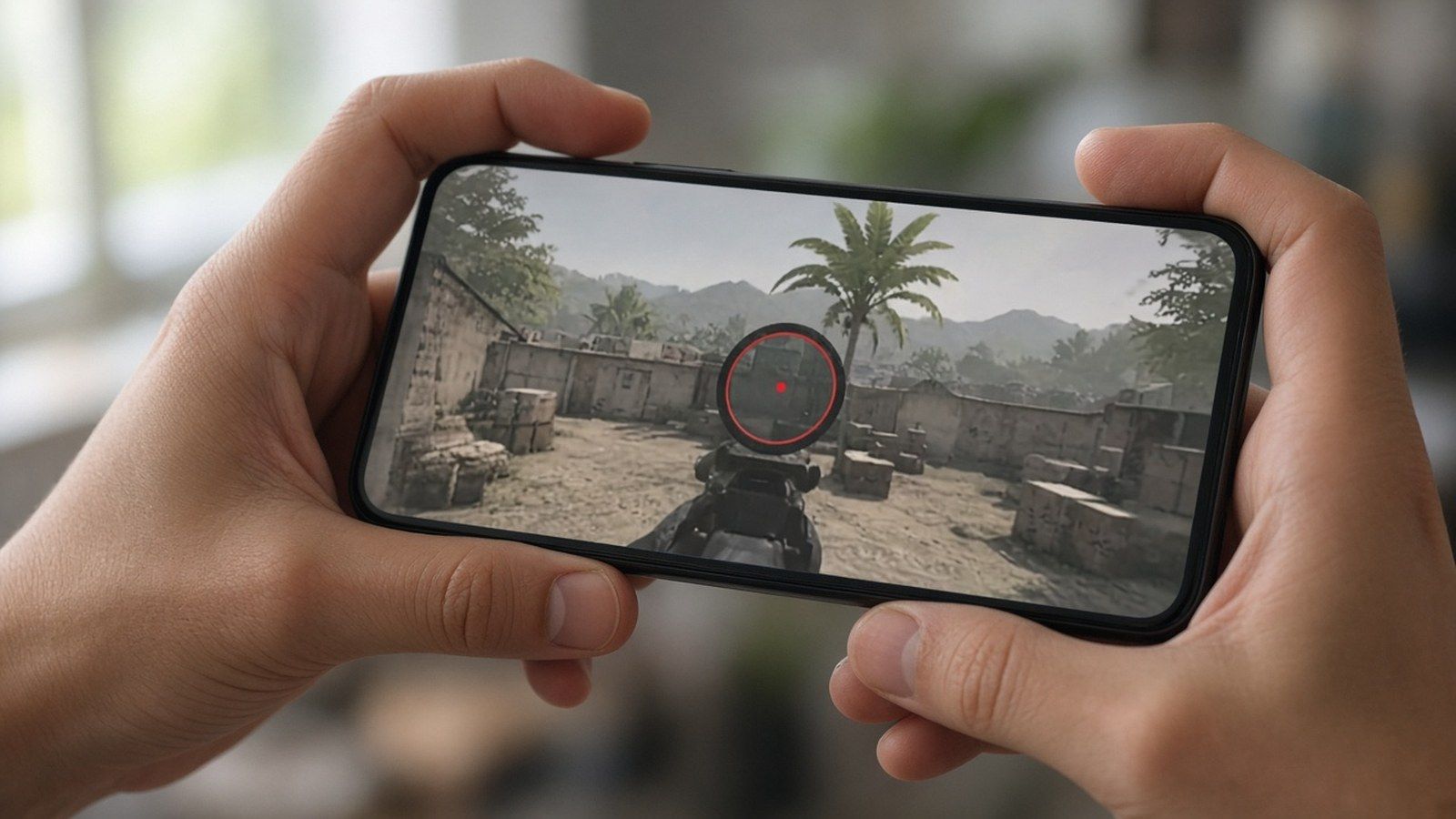
Recoil lab
M416: steady downward tilt. AKM / Beryl: harder initial pull, then lateral fixes. Ten to fifteen minutes daily in Training Ground beats one long weekend session. Lock 5.56 sprays before you chase 7.62.
Pro layouts in 2026 (not 2021 names)
Copy finger count and toggle logic. Do not paste a five-year-old org name onto a random community ID.
PMGC 2025 went to Alpha7 Esports. A circulating Carrilho control code is7075-5121-3435-4352-919 (sensitivity often paired as…-921). Gyro-heavy. Import it only if you already tilt-aim, then run the 4.5 button pass.
Jonathan built a career on two thumbs plus high gyro. Public 2026 coverage shows him moving off pure thumbs toward a multi-finger setup for the Indian circuit. Treat stream overlays as start points, not locked laws.
Asian ranked lobbies still lean higher gyro and compact HUDs. Many EU / NA setups run lower gyro with more thumb drag. Tournament players keep separate slots per device.
More import strings that still resolve in mid-2026 live on PUBG Mobile claw layout codes.
Step-by-step HUD setup
Lobby → Settings → Controls.
Pick Classic or Arena Team. You cannot copy Classic onto Arena. Set both.
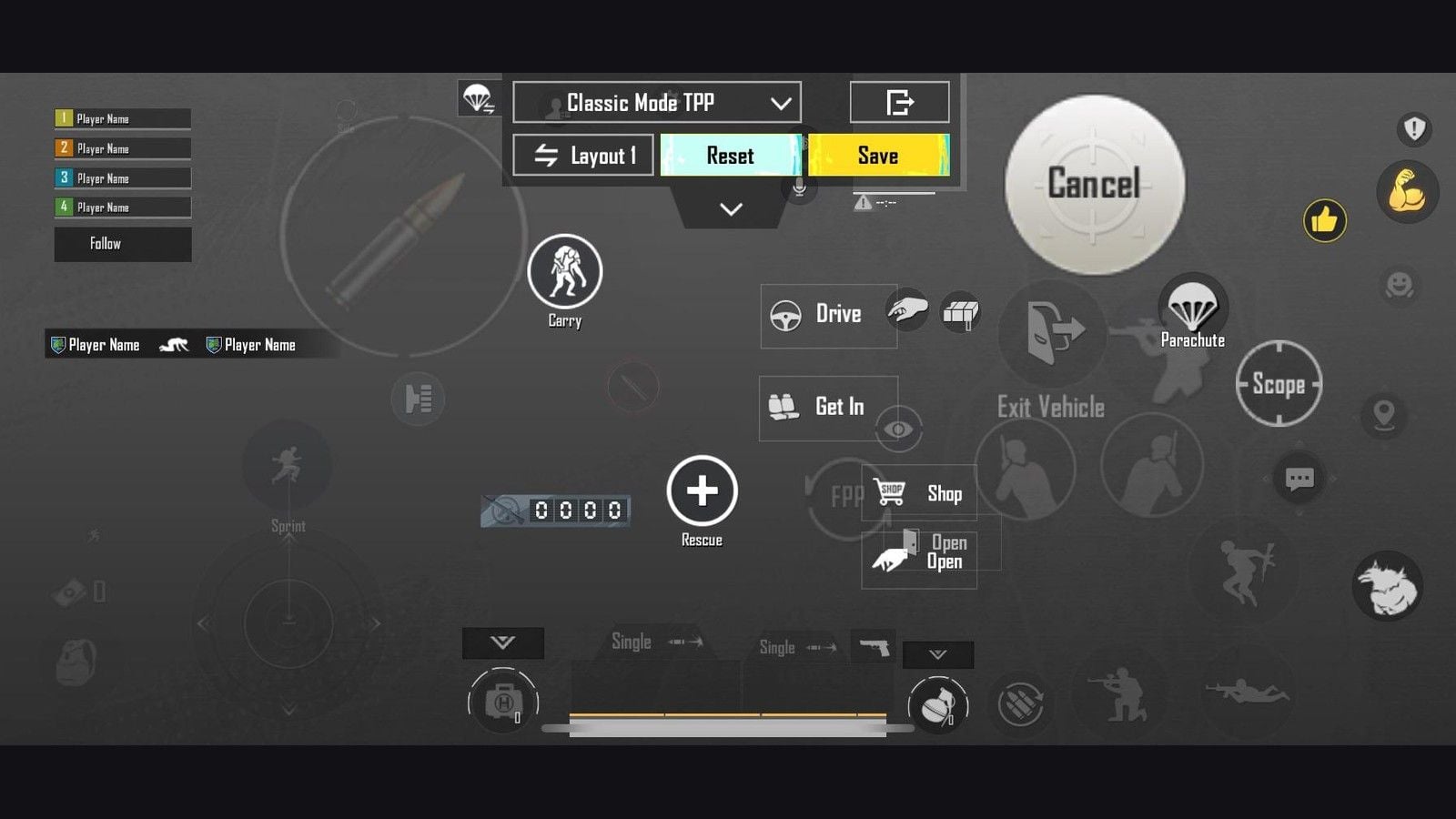
Tap Customize → open Layout Management (search / cloud).
Share your current slot first if you want a rollback code.
Search Method → paste7275-1794-4178-8556-303 → Search → Apply → Save.
Quick Copy Classic TPP → Classic FPP. Repeat inside Arena for TPP/FPP.
Move Ninja Run and Chakra off fire, ADS, and peek.
Version 4.5+: hold the in-match settings gear to nudge size, position, and opacity without leaving the round.
Spray M416 at 10 / 25 / 50 m in Training Ground. Move buttons 1–2% at a time.
Share path: Customize → select the slot → Share → OK → Copy. Edit that slot again and the old share ID dies. Sensitivity codes use a separate share flow; do not paste a HUD code into Sensitivity Cloud and expect a full claw rebuild.
Button size checklist
Button | Phone size | Tablet size |
|---|
Fire | 120–140% | 130–150% |
Scope / ADS | ~100% | ~100–110% |
Joystick | 110–120% | 110–130% |
Peek / crouch / jump | Reach first, then shrink | Can stay larger |
Transparency | 60–80% | 60–80% |
Older guides that told you to shrink fire to “15–25% of default” were wrong for current clients. Undersized fire costs ranked fights.
Training plan
Days | Drill |
|---|
1–4 | TDM only, 30–45 min. Move while firing. Crouch-spray. Scope on/off without stopping the joystick. |
5–14 | Training Ground wall sprays at 10 / 25 / 50 m with M416 (compensator + vertical grip + tactical stock). Then ranked. |
3–4 weeks | Stack the inputs you paid for: move + aim + fire + crouch. Add prone / nades if you run 5–6 finger. |
Week 1 usually feels worse. Week 2 you get old scores back. Weeks 3–4 close fights start paying the extra finger. Avoid daily layout rebuilds during that window.
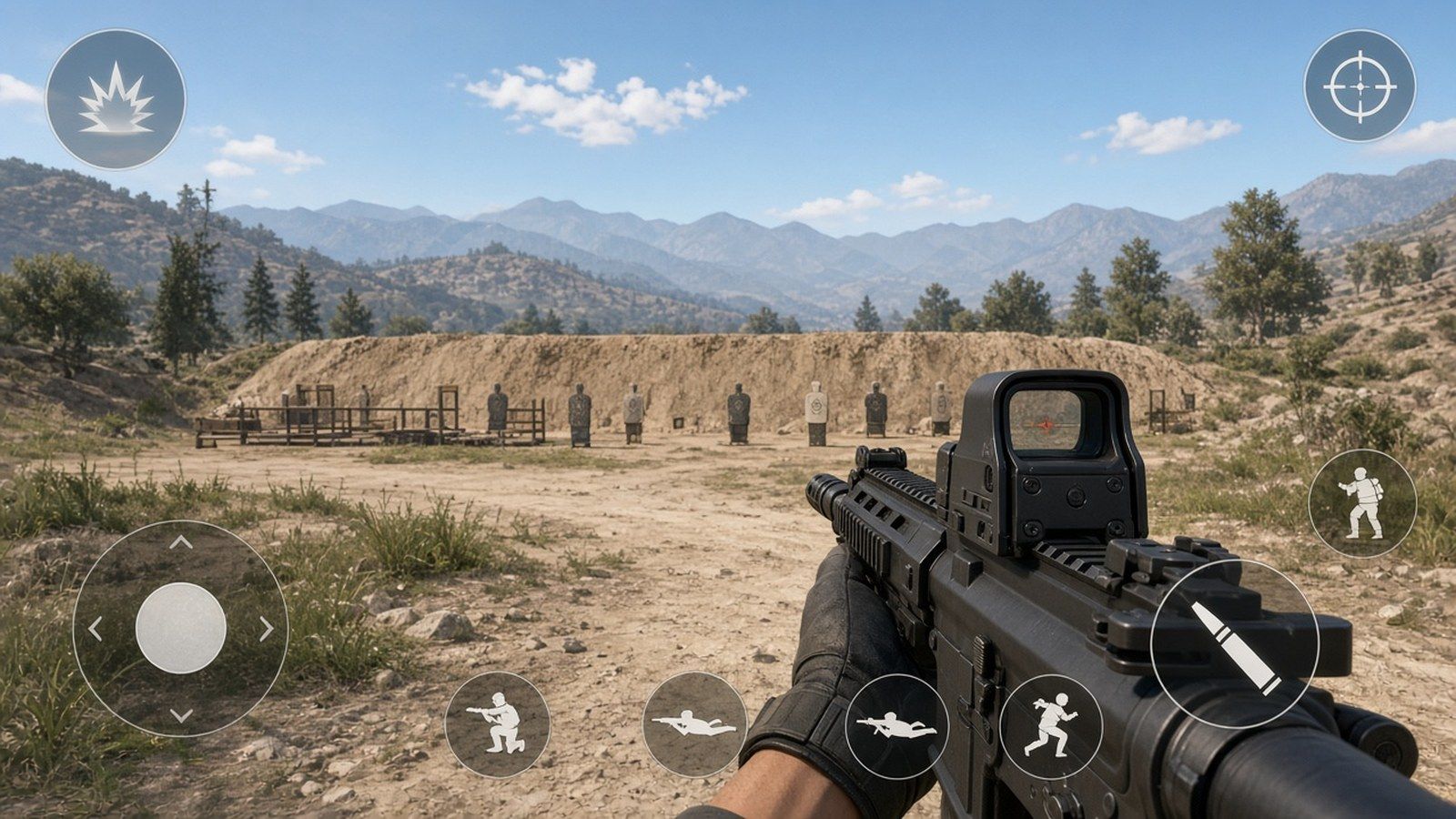
Track K/D, average damage, and headshot rate every week. Save layout and sensitivity codes when something clicks. A cleaner iron-sight skin or Elite Royale Pass helps more than another 2% on Red Dot once the grip sticks. Top up UC on BitTopup with your Player ID when you are ready to buy the pass.
Troubleshooting
Problem | Fix |
|---|
Accidental palm taps | Keep buttons 5–8% off screen edges; 10–15% gaps between hot keys |
Missed fire taps | Raise fire size toward 140%; check left fire is Always On |
Phantom scopes | Lower ADS size or move it off the camera swipe path |
Gyro over-flicks on tablet | Cut gyro 15–20% vs phone |
Frame hitch mid-spray | Smooth graphics, close background apps, lock a stable FPS |
Imported HUD feels broken in themed mode | Repark Ninja Run / Chakra; use in-match hold-to-edit |
FAQ
What screen size works for 4-finger claw?
6.1–6.7 inch phones are the current sweet spot. Tablets and iPad Pro give the cleanest 5–6 finger spacing. Sub-6.0 inch panels usually stay on 3-finger.
How long does claw plus gyro take?
4-finger basics: 3–4 days of TDM. Ranked comfort: 2–3 weeks. Gyro Always On usually needs another week after Scope On. 5-finger: plan on 4–6 weeks. Daily 15–30 minute sessions beat occasional marathon nights.
Should I copy pro sensitivity exactly?
Use a pro or community code as a baseline. Scale for hand size, panel size, and FPS lock. Test in Training Ground before ranked. Start near 80% of aggressive gyro values if the phone feels light.
Which gyro numbers work for recoil?
Close range: 280–320% on Red Dot / Holo. Long range: 120–160% on 6x, 55–85% on 8x. Climb the dummy = raise 5%. Overshoot = cut 5%.
Can small phones run claw?
6.0–6.5 inch phones can run 4-finger with compressed gaps. 5-finger on a small panel stacks buttons and raises mis-taps. Keep fire large; shrink vanity icons first.
How do I cut hand fatigue?
Angle the device, take a break every 30–45 minutes, and stop chasing 6-finger on a phone that does not fit it. Finger sleeves help some players; grips that force a bad wrist angle do not.
Conclusion
Version 4.6 claw still starts the same way: fixed left fire, Hold scope, Always On gyro after you survive week one, and a HUD code you actually resize. Import7275-1794-4178-8556-303, park Ninja Run and Chakra, copy Classic and Arena separately, then change one slider after a 25 m spray. When the grip is stable and you want the pass or a cleaner sight, buy UC on BitTopup PUBG UC.